Notes
A focused plain text editor with real files, selection, clipboard and edit history. The document occupies the page; save state and the file path stay visible without a separate inspector.
Run it
Build the examples with devenv shell -- lcom-ng-build, then run:
lcom-ng run -- build/examples/word_processor build/notes.txtTry a complete workflow
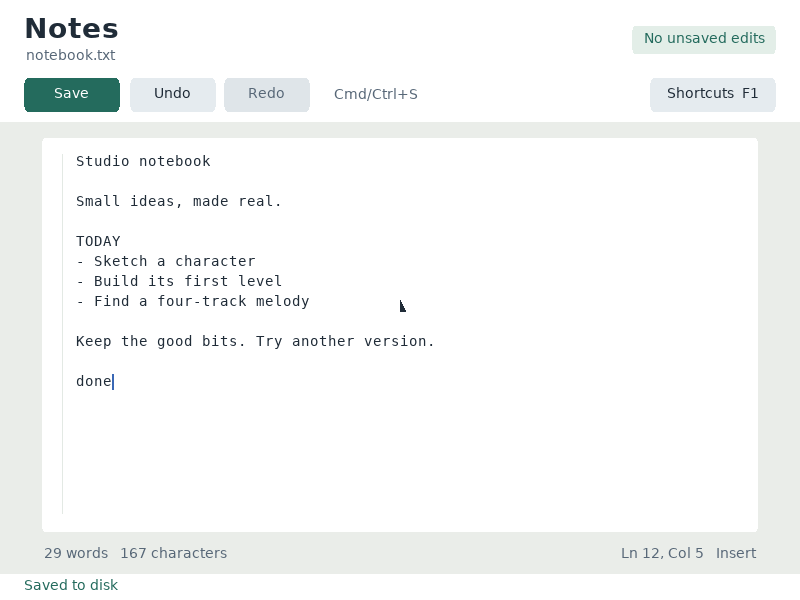
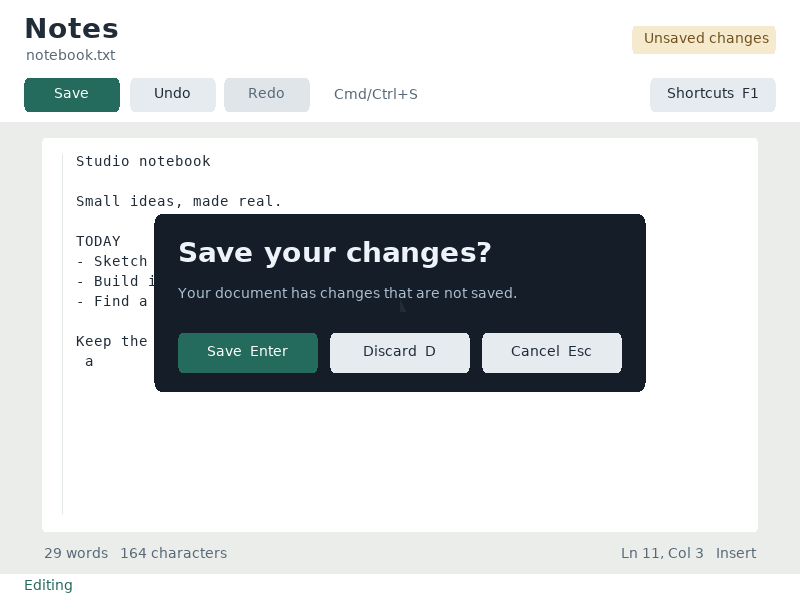
Open a file or start a new one, write and select text, then save. A close prompt protects unsaved work. Clipboard operations exchange text with the host in SDL; headless replays use a private clipboard.
Controls
| Control | Action |
|---|---|
| Cmd/Ctrl+S or F2 | Save the document |
| Cmd/Ctrl+Z / Shift+Z | Undo / redo |
| Cmd/Ctrl+A / C / X / V | Select all / copy / cut / paste |
| Arrows / Shift+arrows | Move / extend selection |
| Mouse click / drag | Place caret / select text |
| Home / End / Page Up / Down | Navigate document |
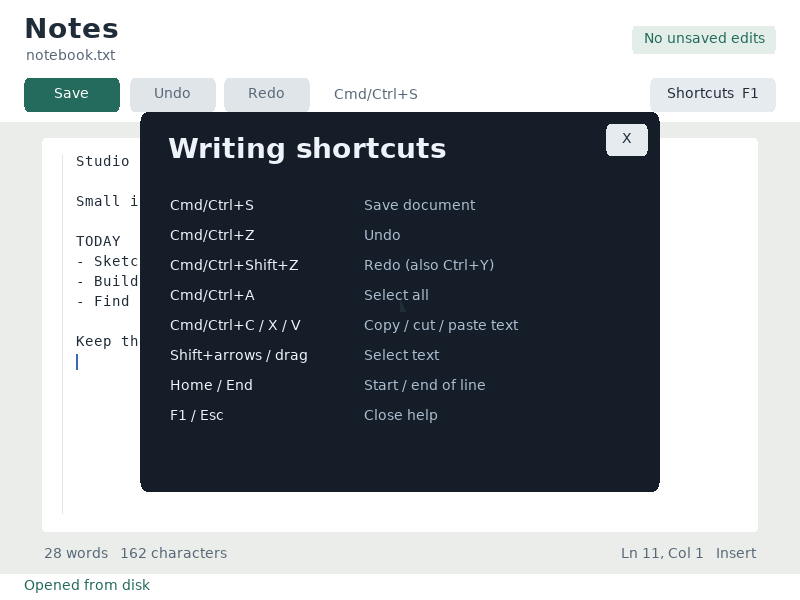
| F1 | Shortcuts |
| Esc / Cmd/Ctrl+W | Close, with save prompt for unsaved work |
Command shortcuts work on macOS; Ctrl shortcuts work on other hosts. Esc closes help first. Cmd/Ctrl+W closes the app.
In the app
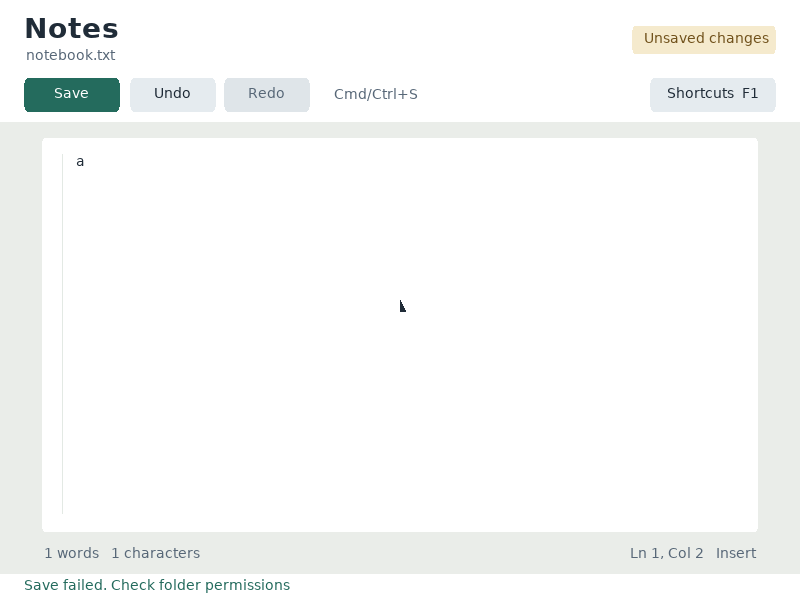
These are actual runtime captures. Open a screenshot for a larger view; use Left and Right to browse, and Escape to close.
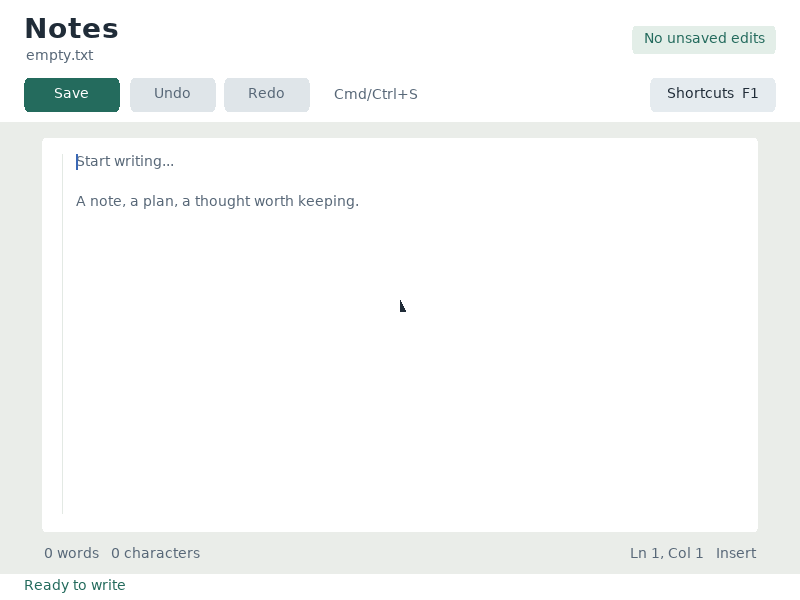
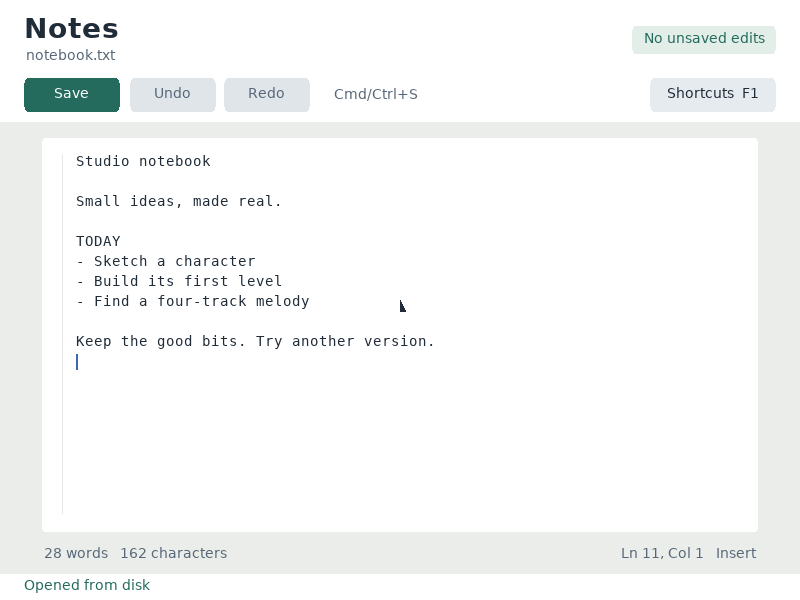
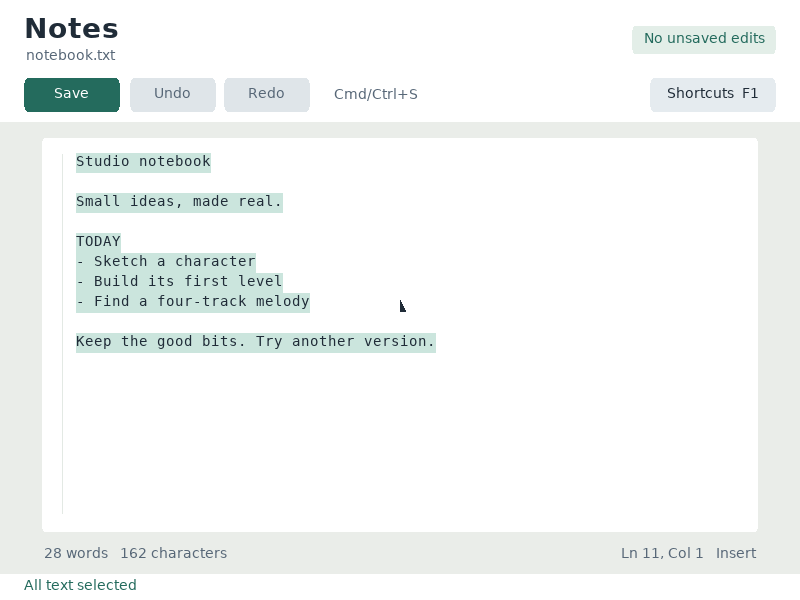
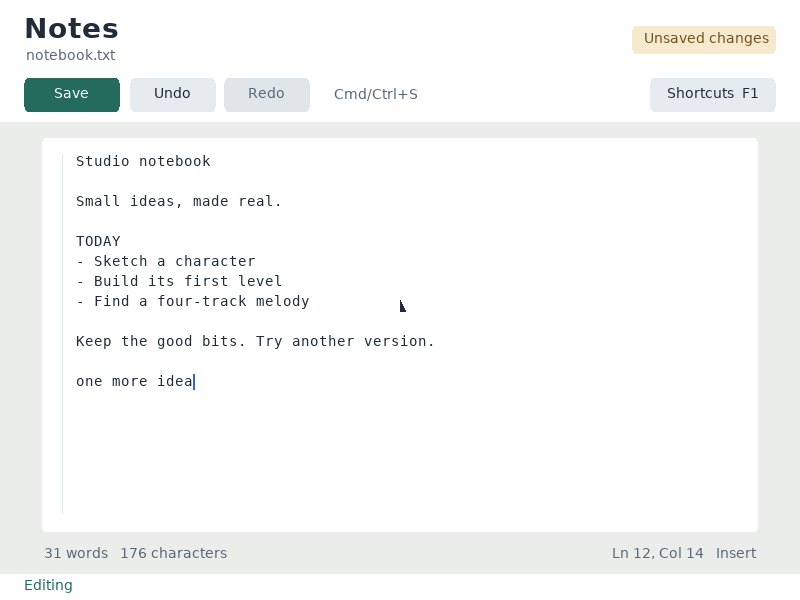
What it demonstrates
PS/2 input, text selection, bounded document storage, edit snapshots, atomic file replacement and framebuffer rendering.
Notes supports printable ASCII and line breaks, up to 4 KB. Text from a host clipboard must fit the document and supported character set.
Source: examples/word_processor.c.
Refresh these screenshots
devenv shell -- python3 scripts/capture_gallery.py --app word-processorSee the screenshot workflow to add states or check freshness.