Serial Transfer
A file-transfer dashboard that makes connection, block delivery, acknowledgement and verification visible. Sender and receiver use labels that match their own progress.
Run it
Build the examples with devenv shell -- lcom-ng-build, then run:
lcom-ng run-pair build/examples/serial_transfer send \
  --right build/examples/serial_transfer receive
Try a complete workflow
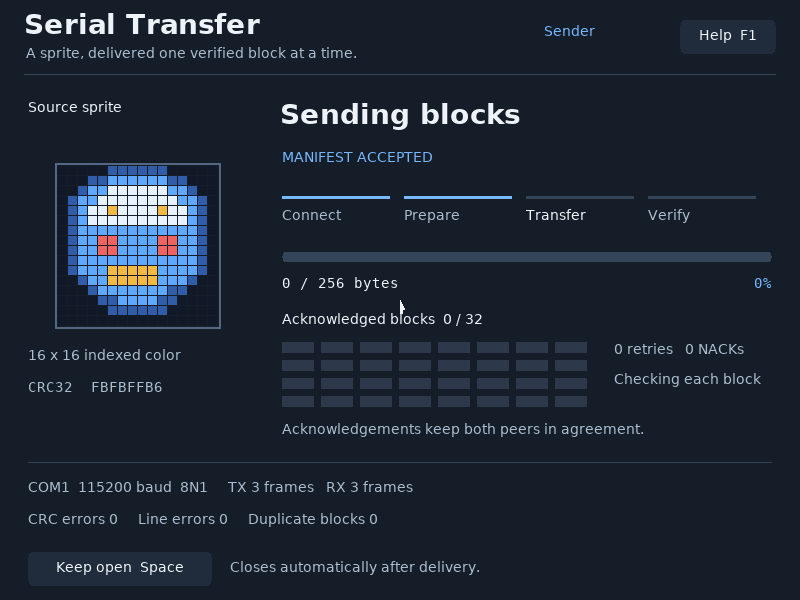
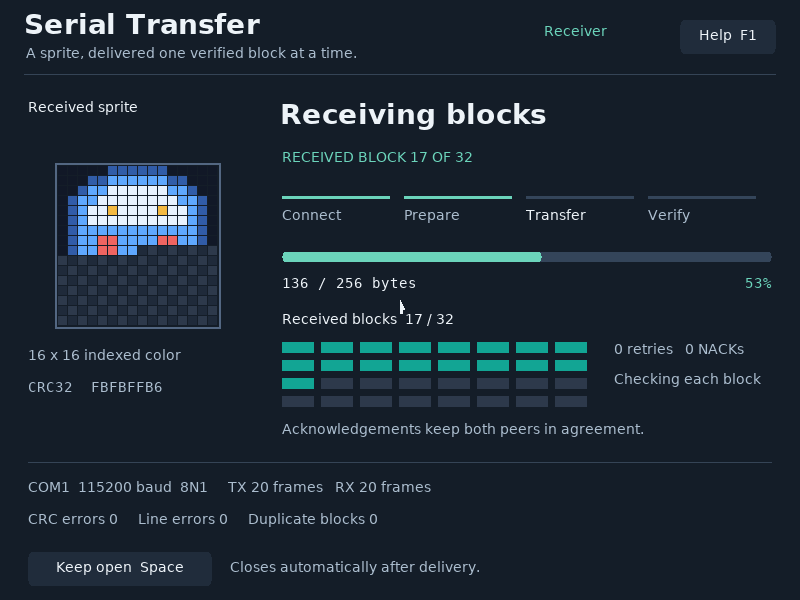
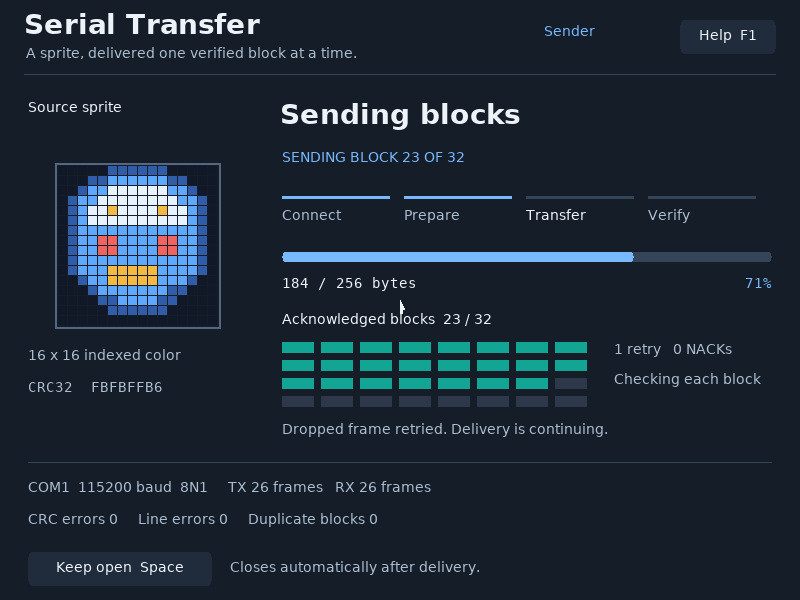
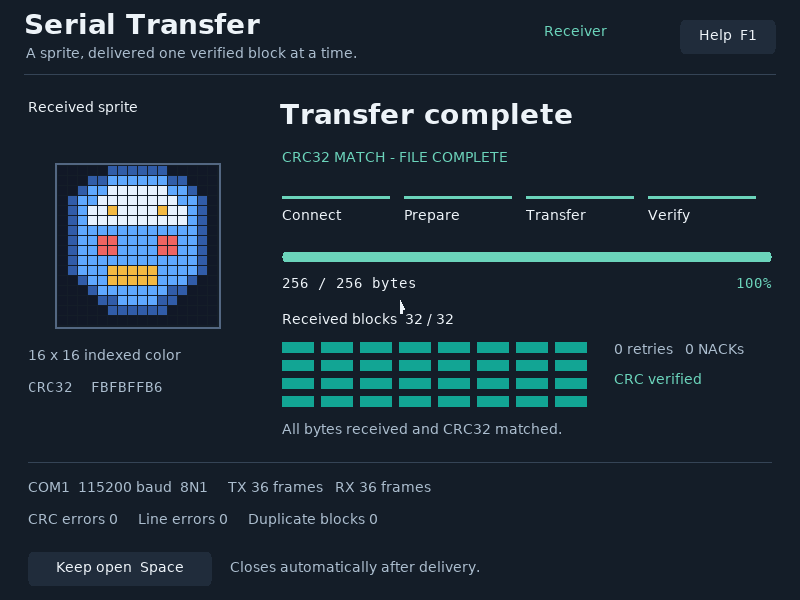
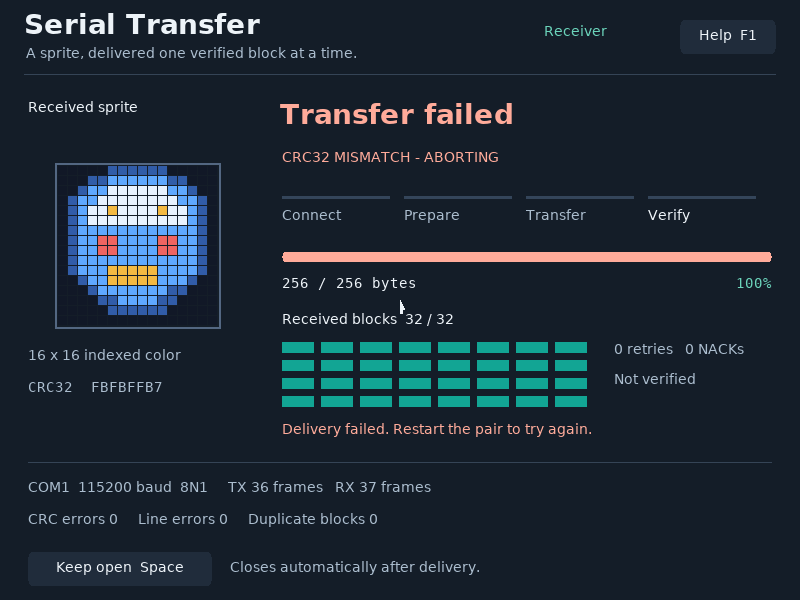
Start the pair to transfer a sprite automatically. Enable Keep open with Space to inspect the result. Run the fault demo to see a dropped frame retried, or the CRC demo to see a failed verification.
Controls
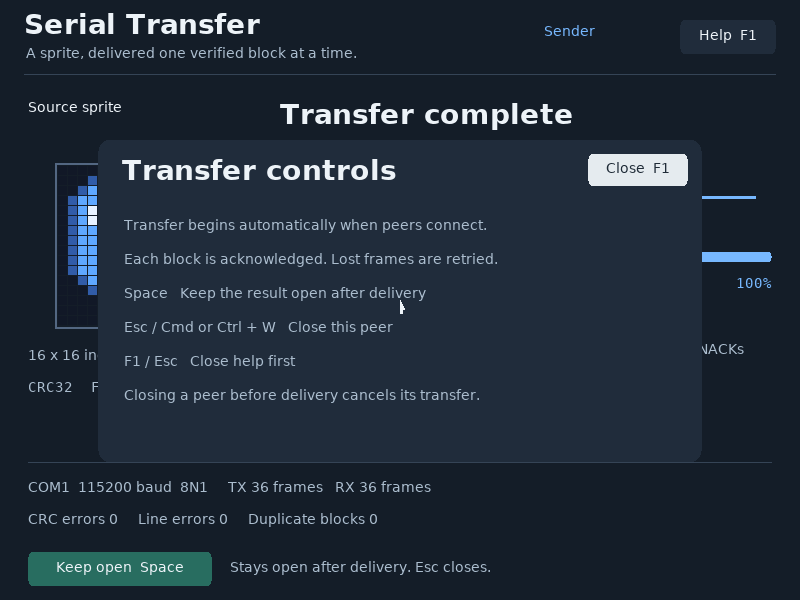
Space: keep the result open.F1: help.EscorCmd/Ctrl+W: close the peer.
Command shortcuts work on macOS; Ctrl shortcuts work on other hosts. Esc closes help first. Cmd/Ctrl+W closes the app.
In the app
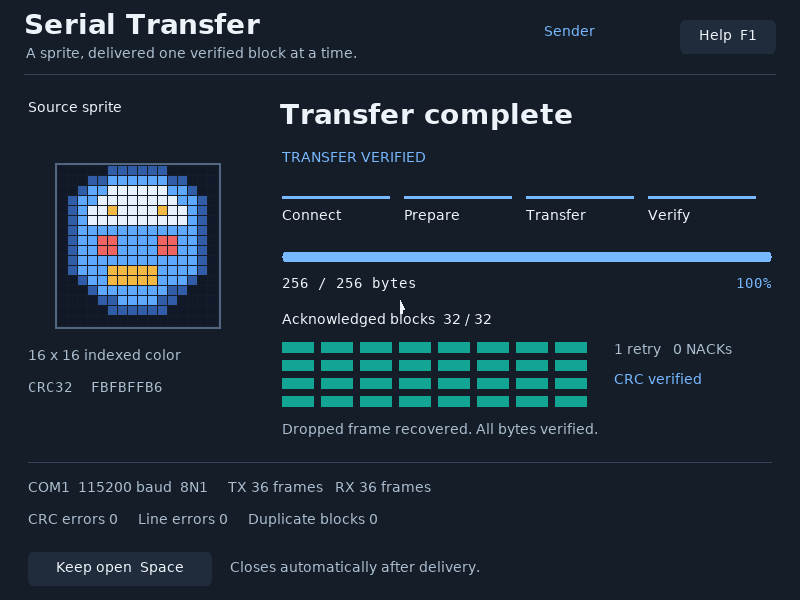
These are actual runtime captures. Open a screenshot for a larger view; use Left and Right to browse, and Escape to close.
What it demonstrates
UART negotiation, framed messages, block indices, checksums, acknowledgements, retry deadlines and terminal error states.
The example transfers its built-in 16 × 16 indexed sprite. A progress bar reaching 100% alone does not mean delivery is verified; the final CRC result does.
Source: examples/serial_transfer.c.
Refresh these screenshots
devenv shell -- python3 scripts/capture_gallery.py --app serial-transferSee the screenshot workflow to add states or check freshness.