Focus Clock
A calm focus timer with clear focus and break choices, crisp countdown numerals and one dominant start or pause action. Session progress and wall-clock time have separate roles.
Run it
Build the examples with devenv shell -- lcom-ng-build, then run:
lcom-ng run -- build/examples/pomodoro_clockTry a complete workflow
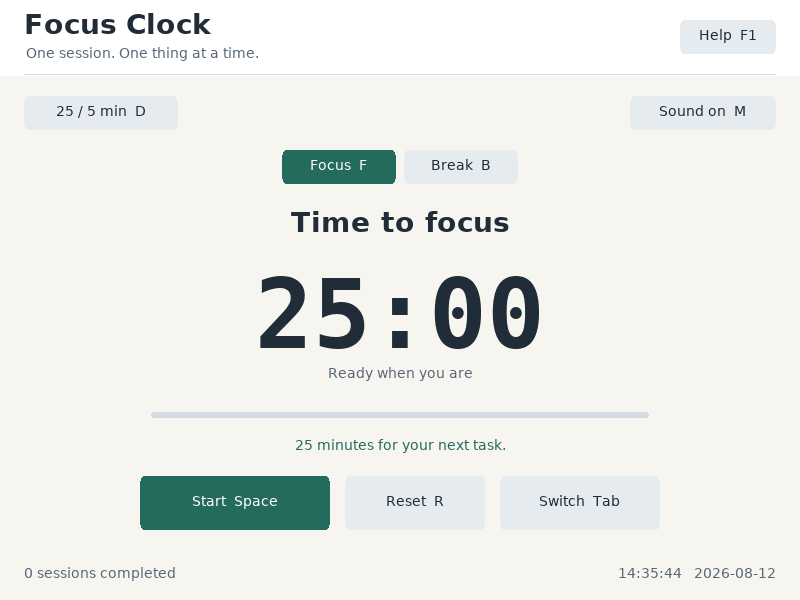
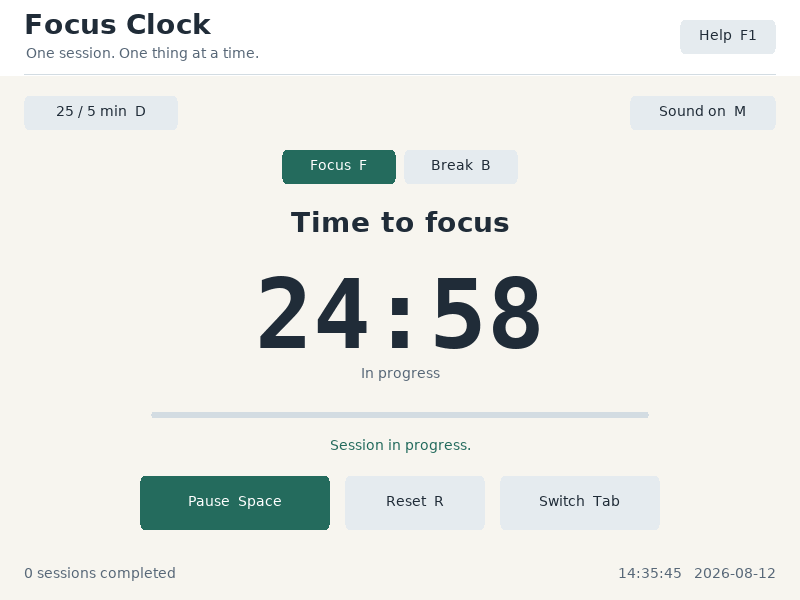
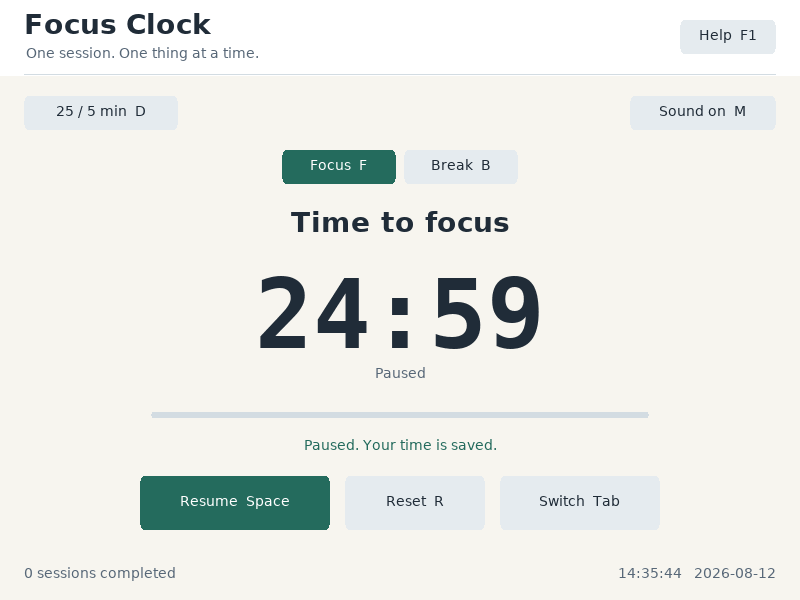
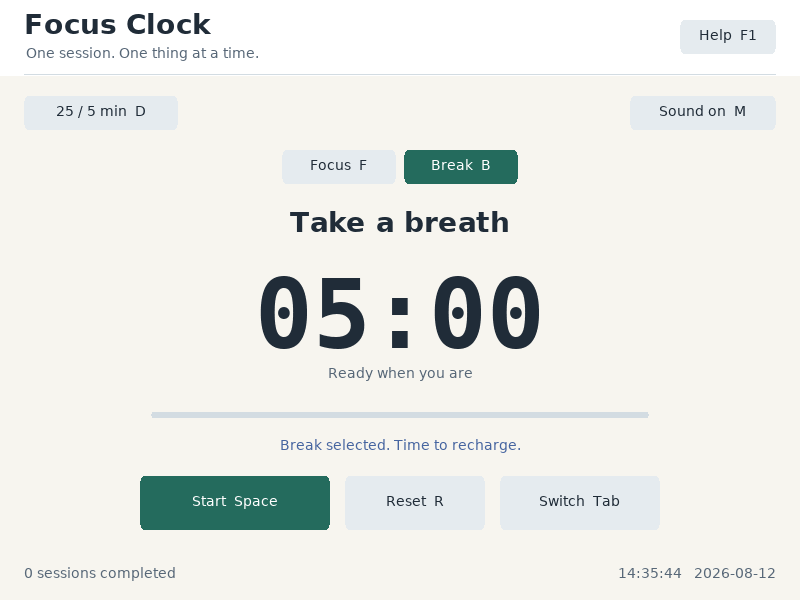
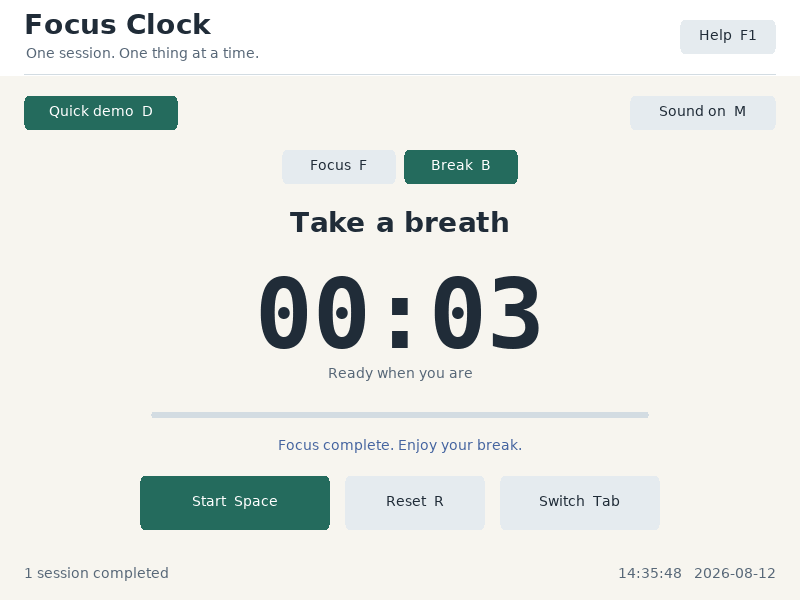
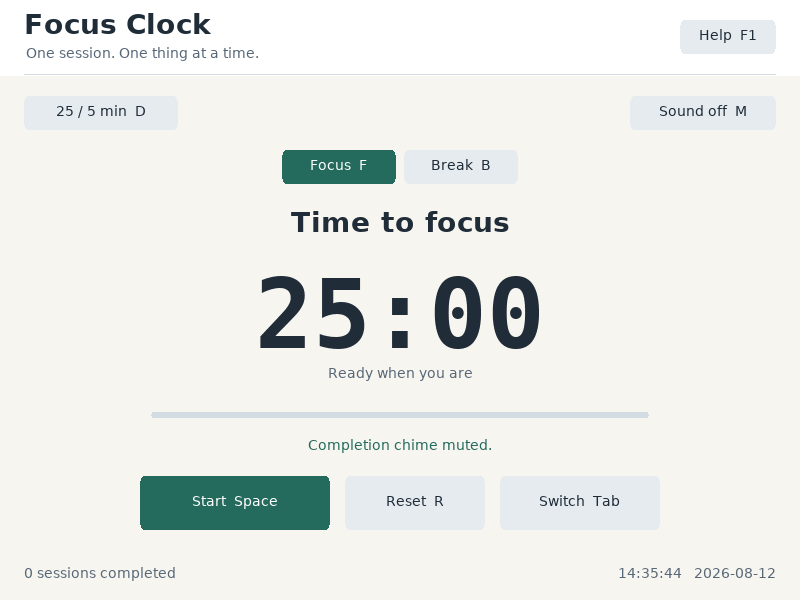
Choose Focus or Break, start the countdown, and pause without losing elapsed time. Quick demo mode shortens sessions for a lesson. A completed focus session selects a break and can play a short chime.
Controls
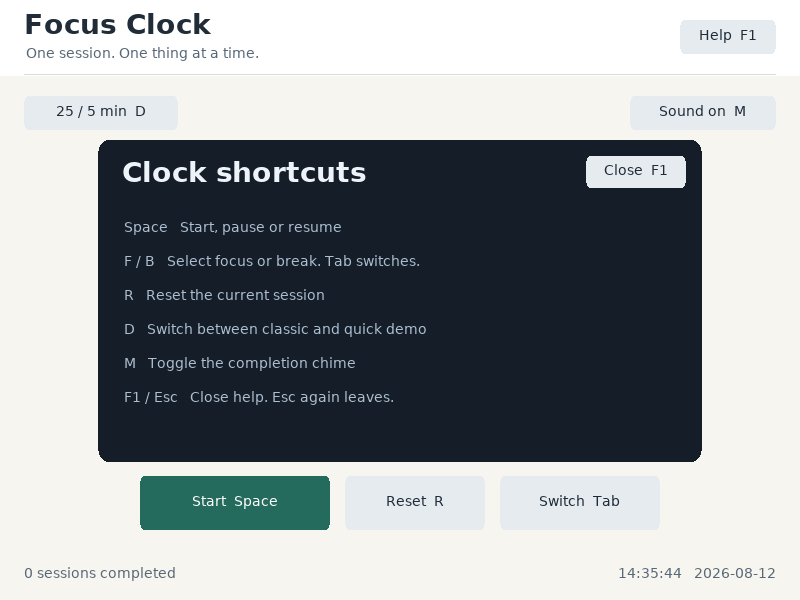
Space: start, pause or resume.R: reset.F/B: focus / break.Tab: switch session.D: quick demo.M: sound.F1: help.
Command shortcuts work on macOS; Ctrl shortcuts work on other hosts. Esc closes help first. Cmd/Ctrl+W closes the app.
In the app
These are actual runtime captures. Open a screenshot for a larger view; use Left and Right to browse, and Escape to close.
What it demonstrates
RTC wall time, monotonic PIT elapsed time, timer state transitions, input and optional AC97 feedback.
Wall-clock corrections do not change elapsed focus time. Sound is available only when the audio device starts successfully.
Source: examples/pomodoro_clock.c.
Refresh these screenshots
devenv shell -- python3 scripts/capture_gallery.py --app pomodoro-clockSee the screenshot workflow to add states or check freshness.