Pixel Studio
A compact sprite editor built around a 16 × 16 canvas, named tools, a palette and a live preview. The editing surface stays central at every zoom level.
Run it
Build the examples with devenv shell -- lcom-ng-build, then run:
lcom-ng run -- build/examples/pixel_studio build/pixel_studio_sprite.hTry a complete workflow
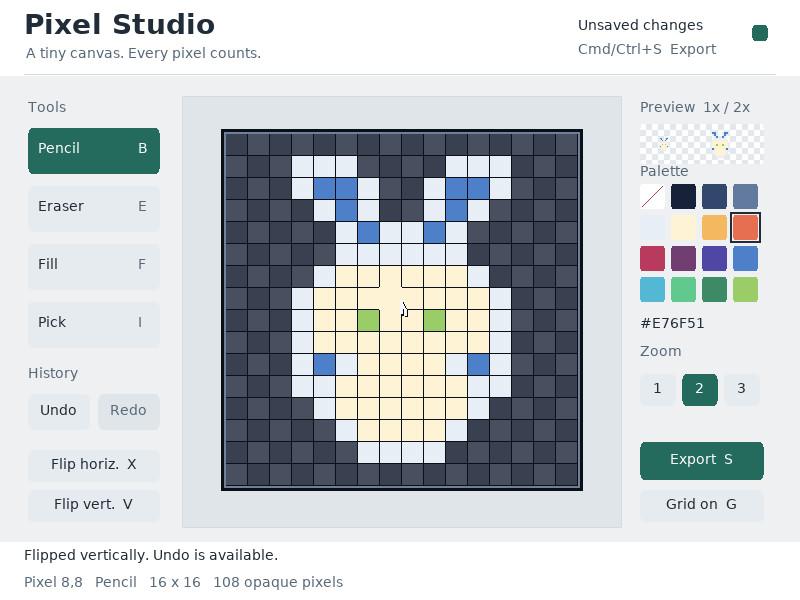
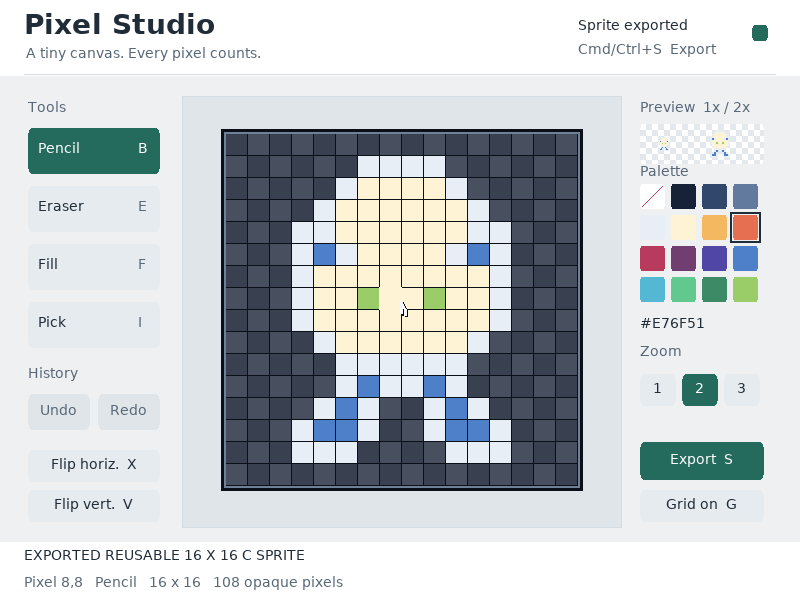
Draw or fill a region, sample a color, and inspect the preview. Use undo, redo and reversible flips to explore alternatives. Export the sprite as a timestamped C header for another program.
Controls
| Control | Action |
|---|---|
| B / P / E / F / I | Pencil / eraser / fill / eyedropper |
| Mouse drag / right-click | Paint / pick canvas color |
| Arrows + Enter / Space | Move pixel cursor and apply tool |
| Delete | Erase the cursor pixel |
| [ / ] | Previous / next palette color |
| X / V | Flip horizontally / vertically |
| 1 / 2 / 3 or - / + | Zoom |
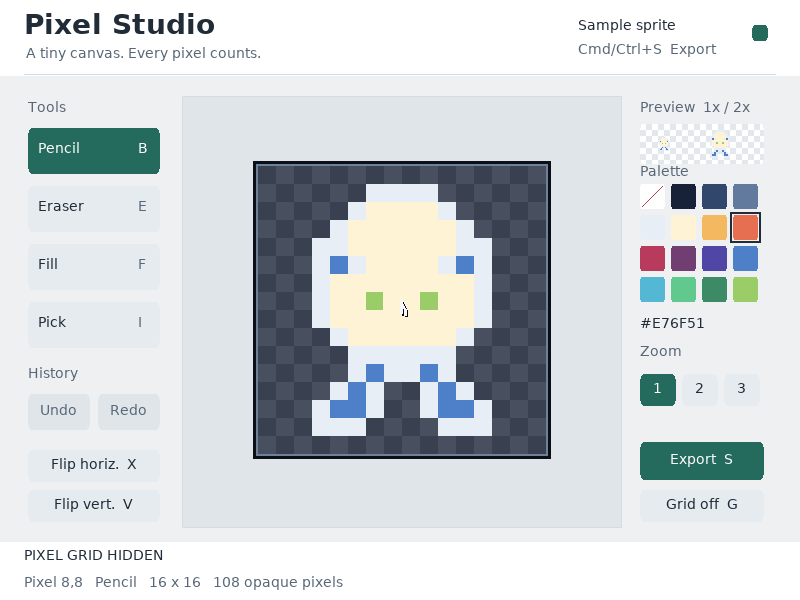
| G | Toggle grid |
| Cmd/Ctrl+Z / Shift+Z | Undo / redo |
| Cmd/Ctrl+S / S / F2 | Export reusable C header |
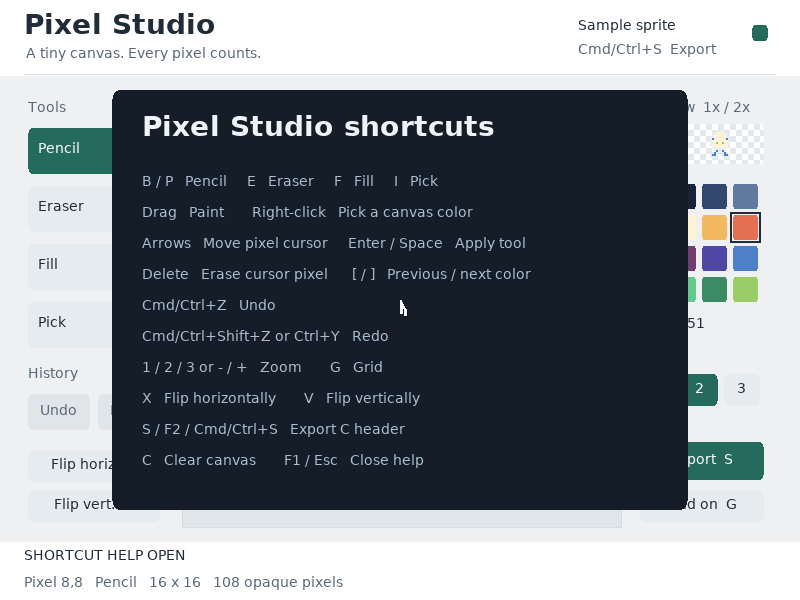
| C / F1 | Clear / shortcuts |
Command shortcuts work on macOS; Ctrl shortcuts work on other hosts. Esc closes help first. Cmd/Ctrl+W closes the app.
In the app
These are actual runtime captures. Open a screenshot for a larger view; use Left and Right to browse, and Escape to close.
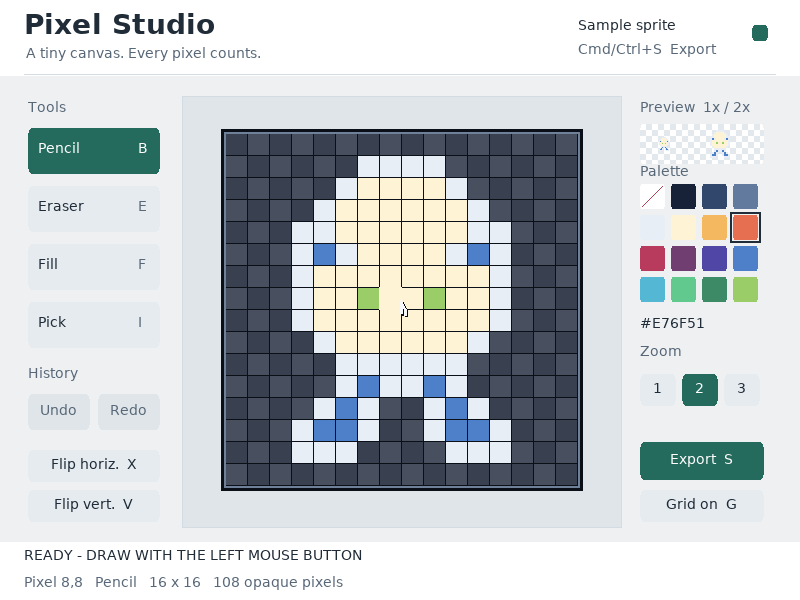
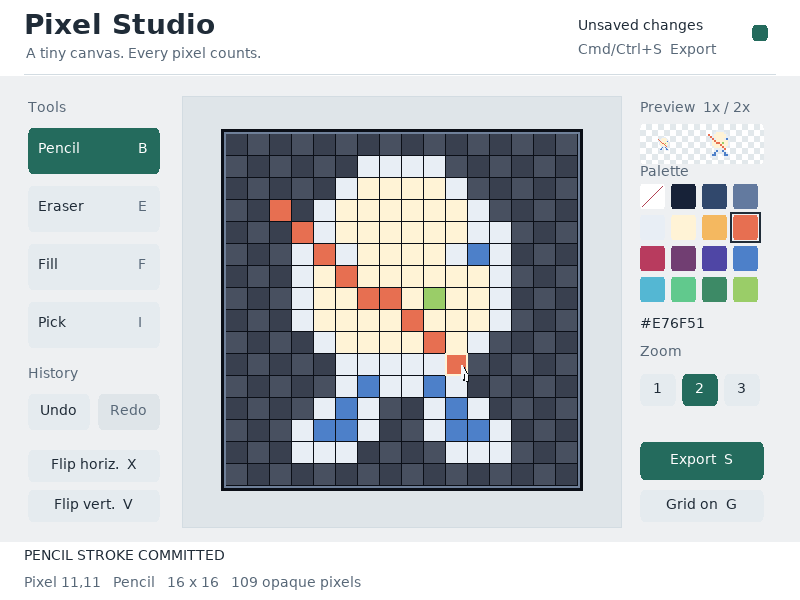
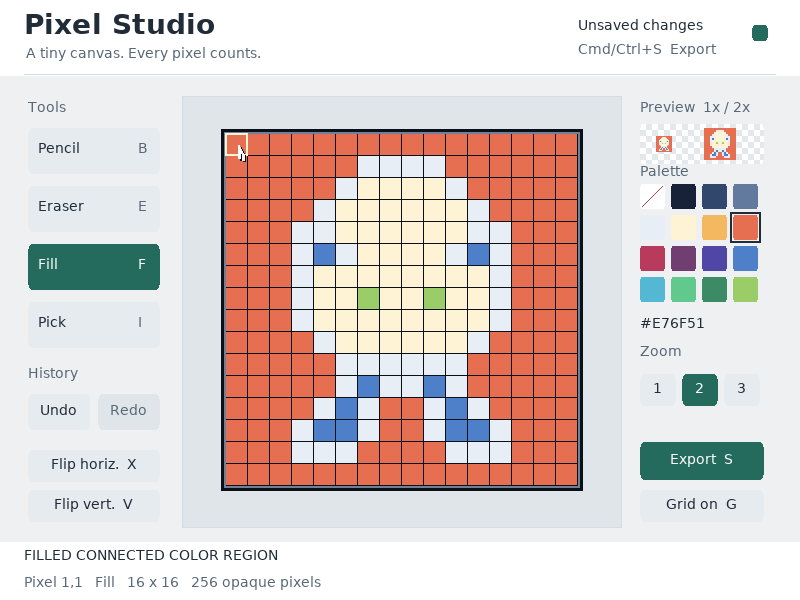
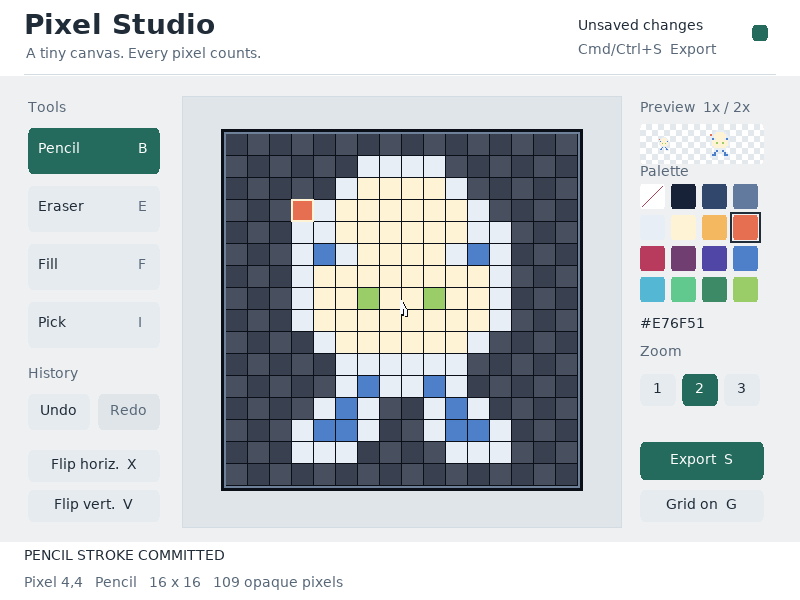
What it demonstrates
PS/2 gestures, stroke interpolation, flood fill, bounded undo history, RTC timestamps and C asset generation.
The editable sprite is 16 × 16 pixels. Export produces C data; it does not reopen arbitrary image files.
Source: examples/pixel_studio.c.
Refresh these screenshots
devenv shell -- python3 scripts/capture_gallery.py --app pixel-studioSee the screenshot workflow to add states or check freshness.