Ambient Aquarium
An animated habitat with a restrained control bar for feeding, lighting, bubbles, pause and sound. The view changes with the RTC phase while the controls stay usable with the mouse or keyboard.
Run it
Build the examples with devenv shell -- lcom-ng-build, then run:
lcom-ng run -- build/examples/ambient_aquariumTry a complete workflow
Feed the fish, pause the simulation, or select a day phase to compare lighting. Restore automatic RTC lighting when finished. Use the sound control to keep the habitat quiet.
Controls
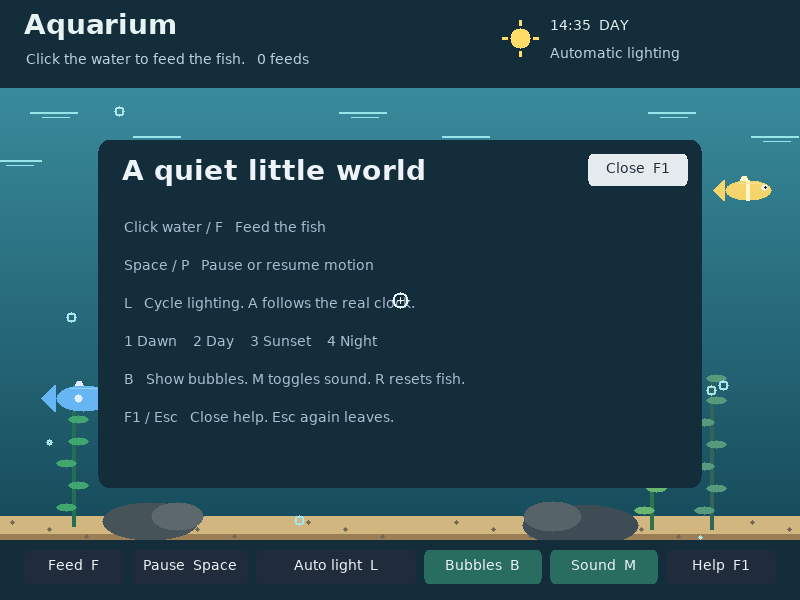
Space: pause.F: feed.L: lighting.B: bubbles.M: sound.F1: help. The control bar also supports mouse clicks.
Command shortcuts work on macOS; Ctrl shortcuts work on other hosts. Esc closes help first. Cmd/Ctrl+W closes the app.
In the app
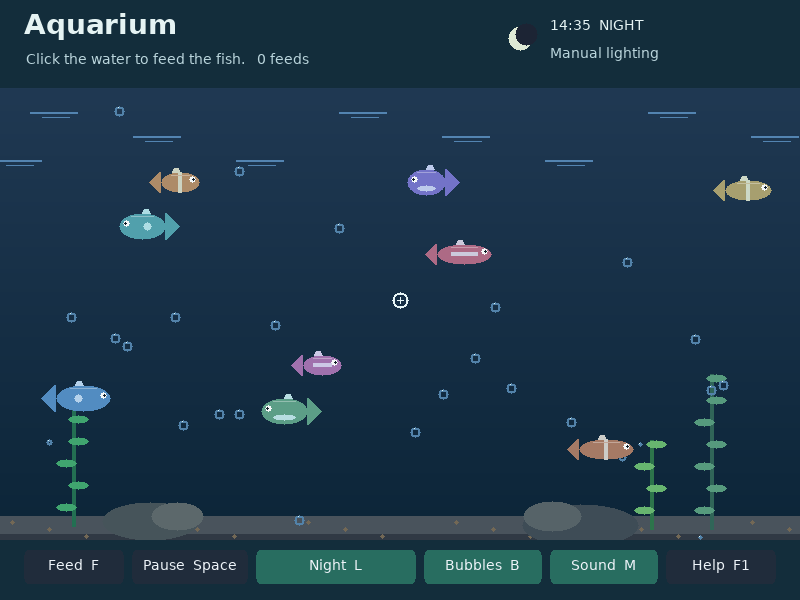
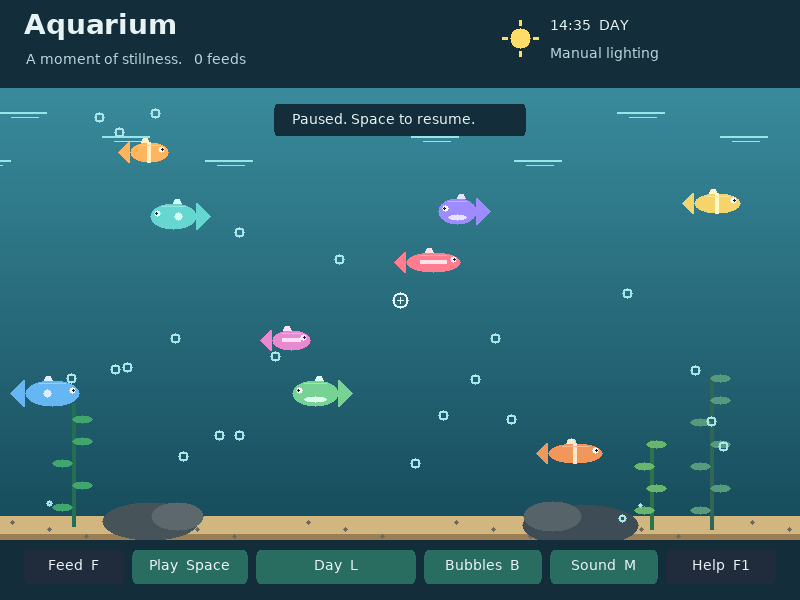
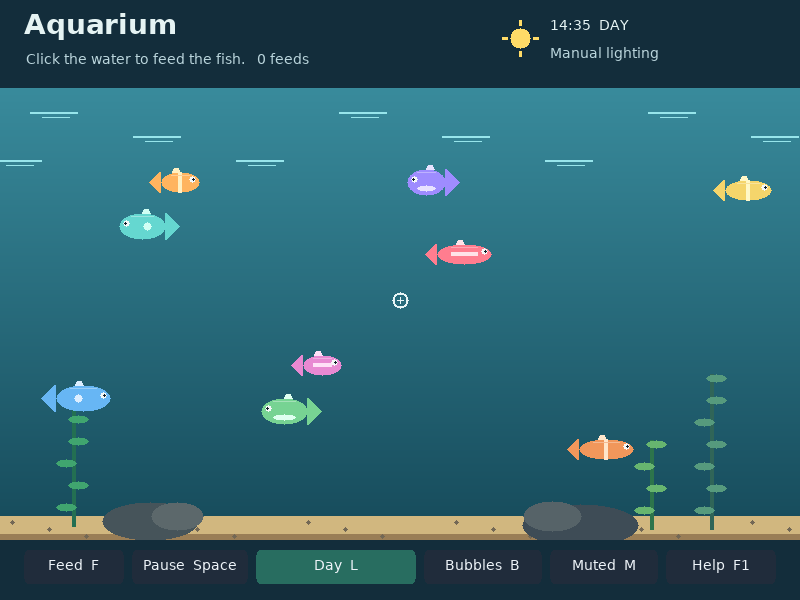
These are actual runtime captures. Open a screenshot for a larger view; use Left and Right to browse, and Escape to close.
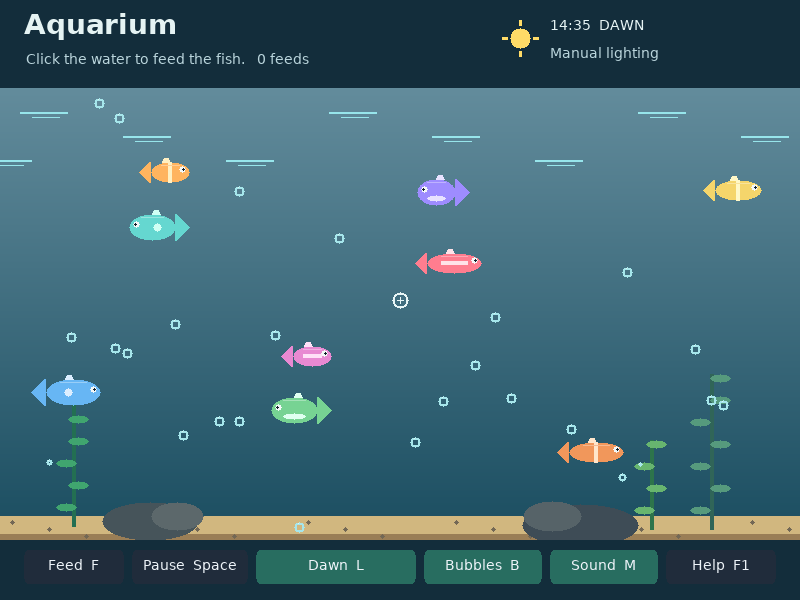
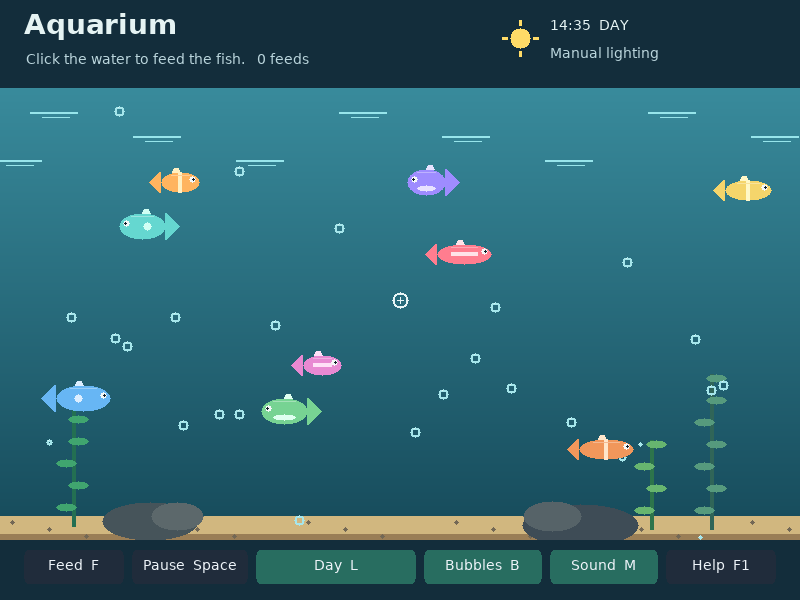
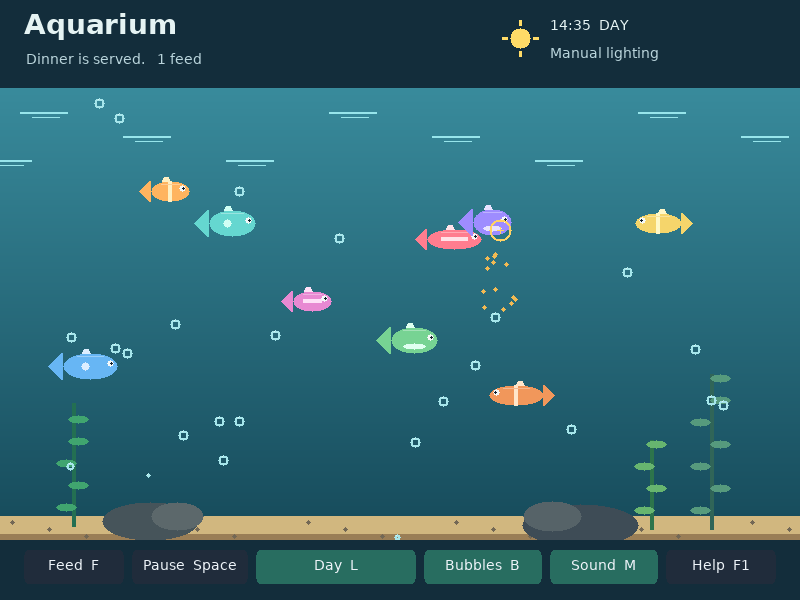
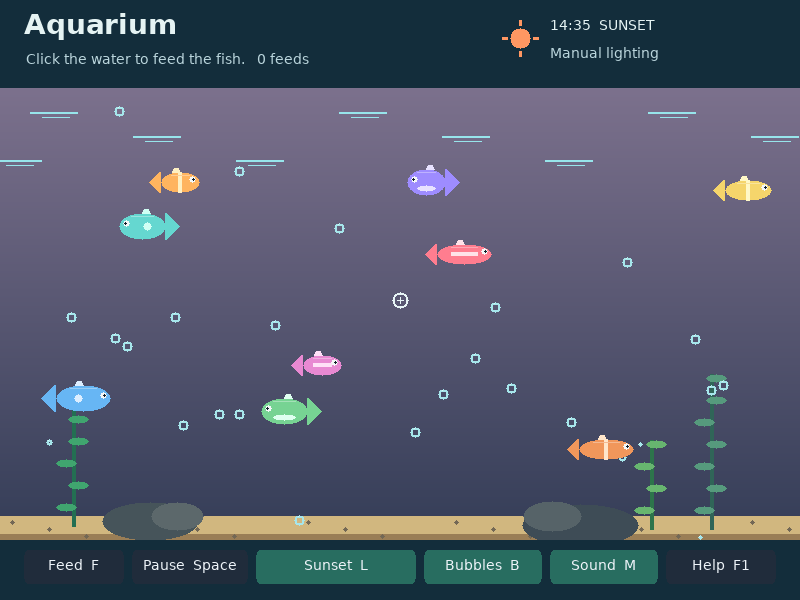
What it demonstrates
Deterministic animation, RTC-driven color changes, mouse targets, PIT simulation updates and optional audio.
Pausing stops the simulation. Help captures editing commands while the habitat can continue animating behind it.
Source: examples/ambient_aquarium.c.
Refresh these screenshots
devenv shell -- python3 scripts/capture_gallery.py --app ambient-aquariumSee the screenshot workflow to add states or check freshness.