lcom-ngRun your LCOM project. Skip the VM.
Build the same C sources on your computer, or start fresh with the native SDK. Labs, games, keyboard, mouse and audio.
Build the same C sources on your computer, or start fresh with the native SDK. Labs, games, keyboard, mouse and audio.
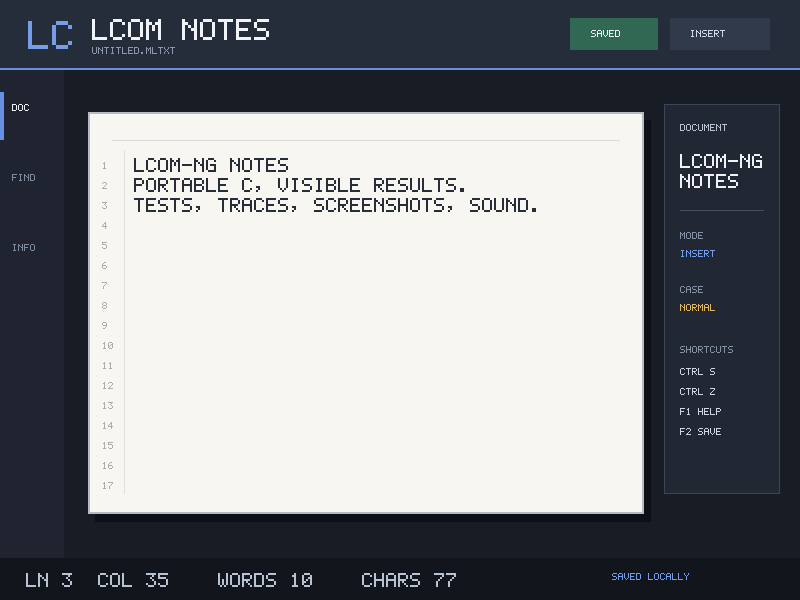
Install a release archive, then choose your starting point. lcom-ng brings the course's ports, interrupts, framebuffers and serial links to your own computer.
Keep the original source tree and imports. In the folder containing the Makefile:
lcom-ng compat build .
lcom-ng run -- .lcom-ng/proj
Use the binary path printed by the builder, named after PROG in your Makefile. The same workflow runs original labs with their usual test arguments.
Generate the native course workspace and build it:
lcom-ng setup student
cd student && make
lcom-ng run -- build/student_project
Write your app in proj/, implement the labs in labs/, and run lcom-ng test rtc. Fresh TODO labs fail checks until you implement them.
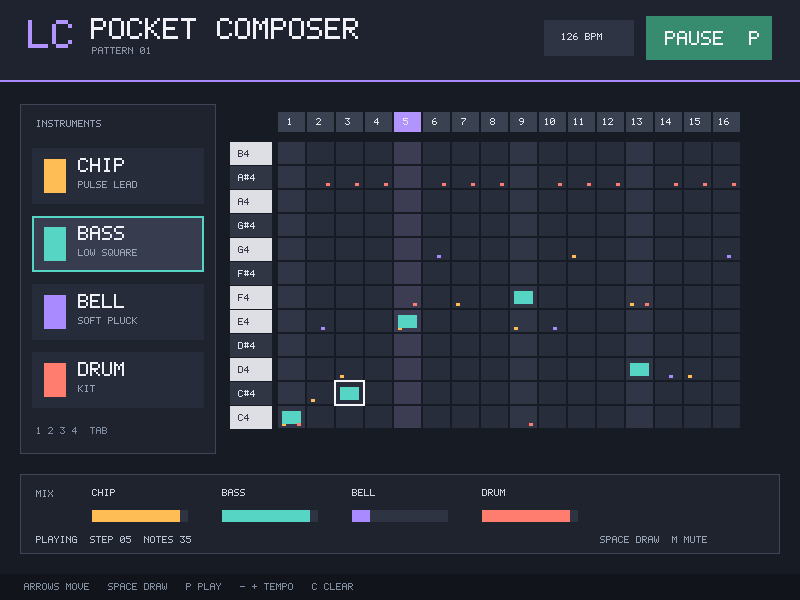
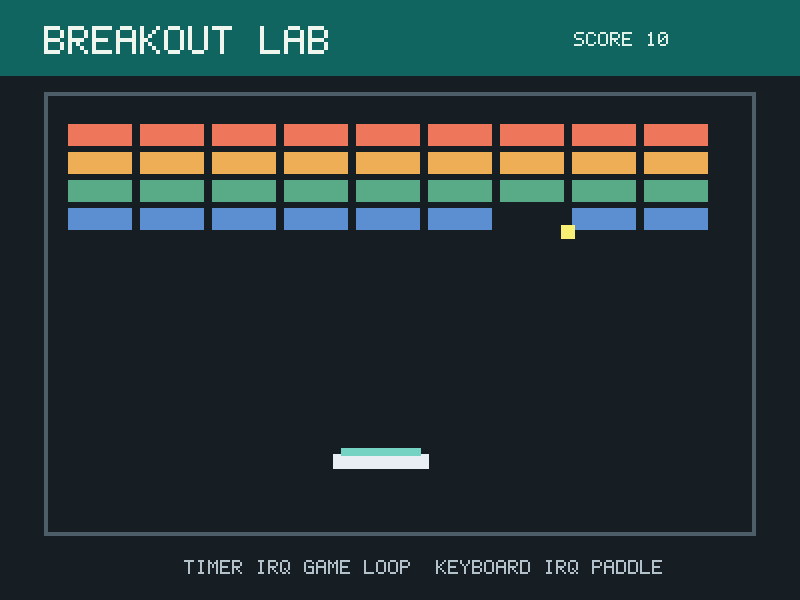
The seven native labs cover RTC, timers, keyboard, mouse, graphics, audio and UART. Existing Minix labs use the compatibility builder. Pinned student repositories provide practical compatibility evidence, including documented source defects and limits.
| What you need | Where to start |
|---|---|
| A working installation | Download and install |
| An existing game or original lab | Compatibility quick start |
| Native exercises and checks | Lab track |
| Ideas for a final project | Examples |
| Material for a class | Instructor adoption guide |
| Runtime and release development | Developer guide |
lcom-ng is courseware for computer architecture and systems programming. Its native SDK is the path for new code; the separate compatibility SDK preserves Minix/LCF conventions for existing projects.