Flappy Bird
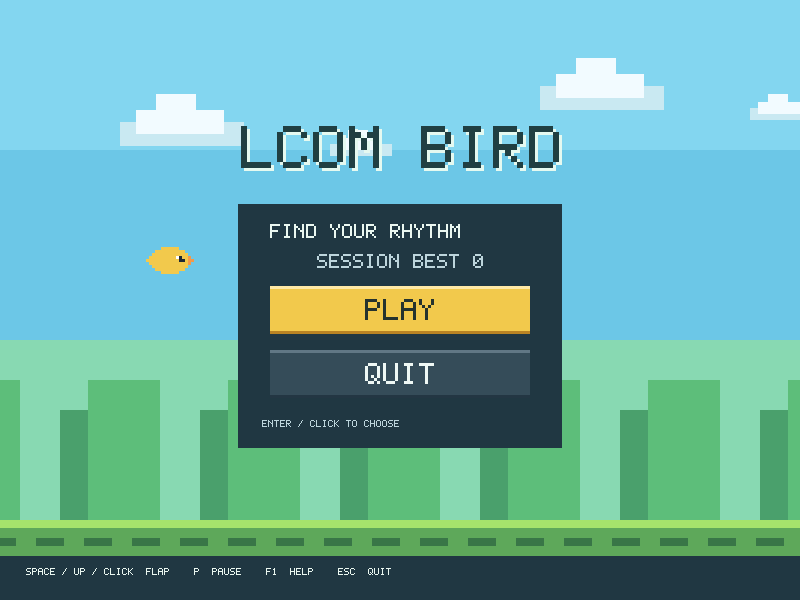
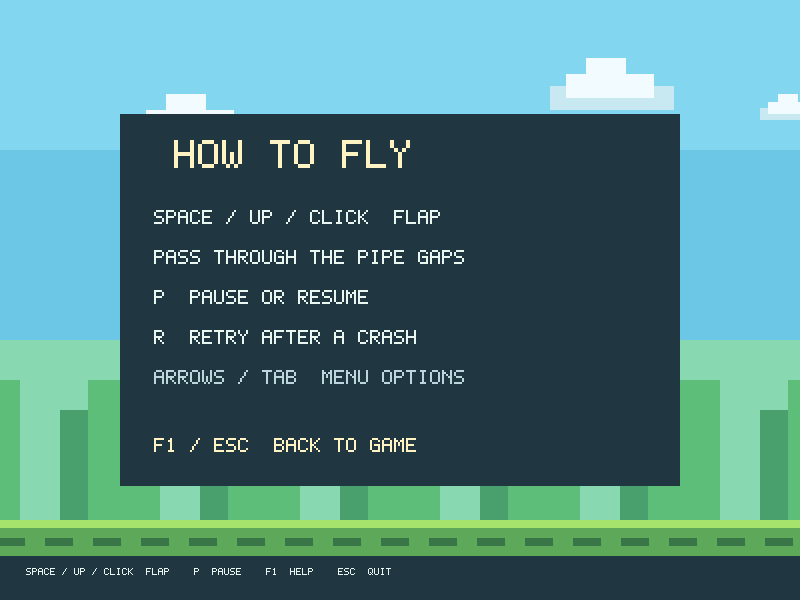
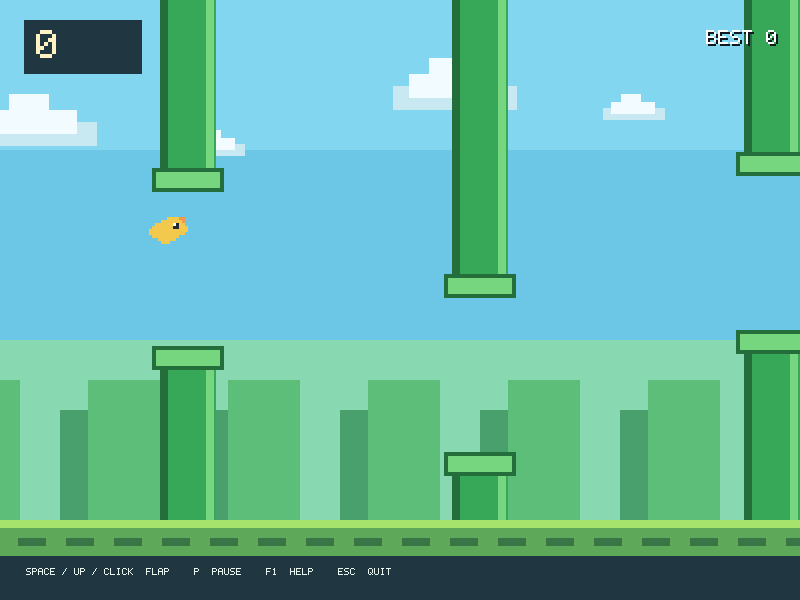
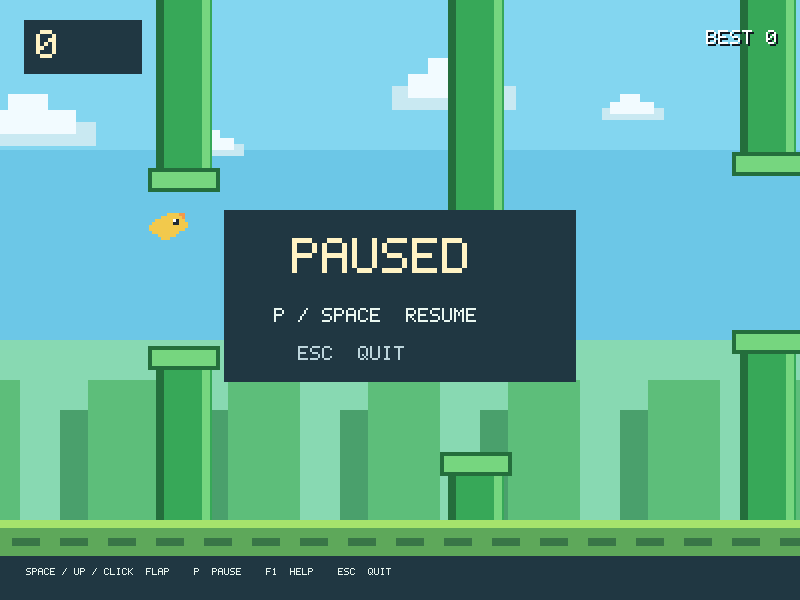
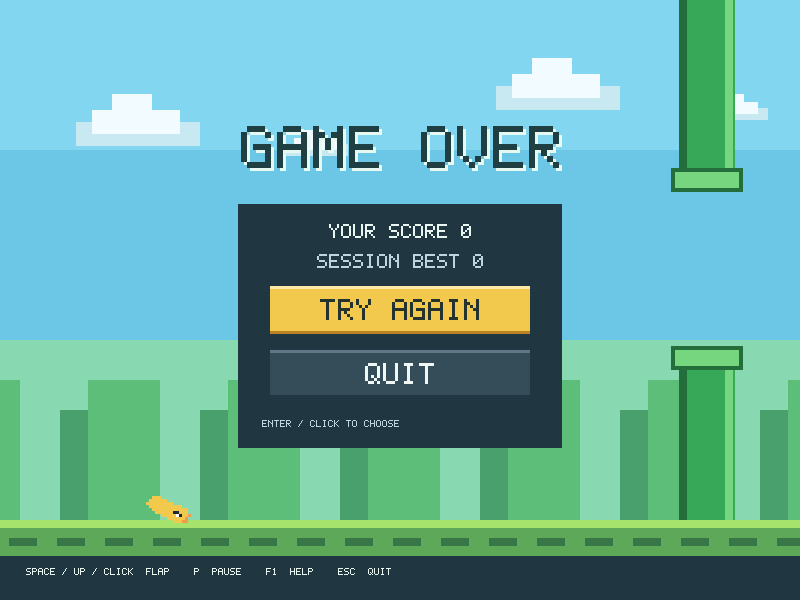
The original pixel landscape and bird now sit behind readable menus, clear help, a proper pause state and visible retry actions. Mouse and keyboard controls lead to the same game states.
Run it
Build the examples with devenv shell -- lcom-ng-build, then run:
lcom-ng run -- build/examples/flappy_birdTry a complete workflow
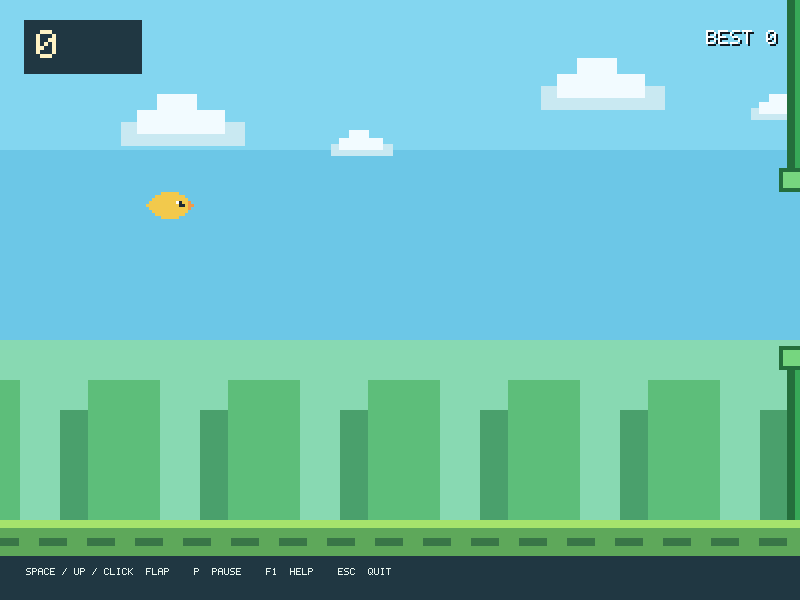
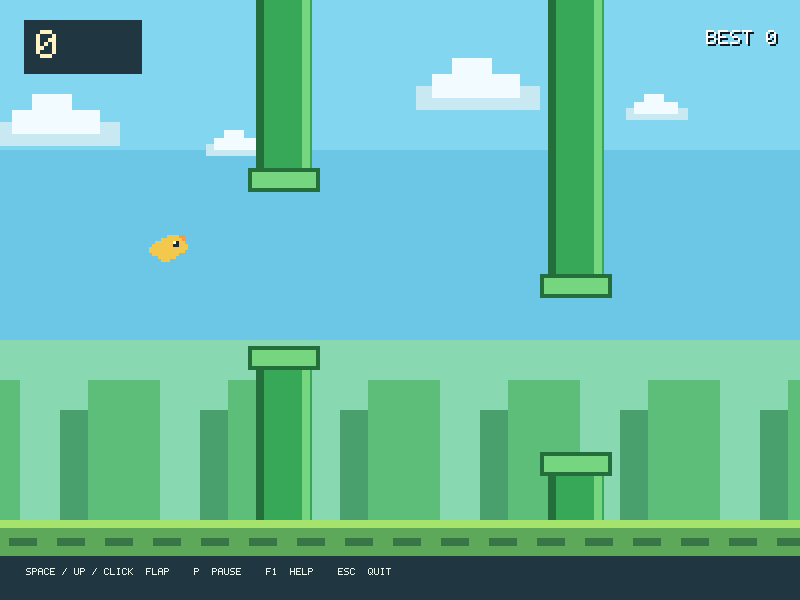
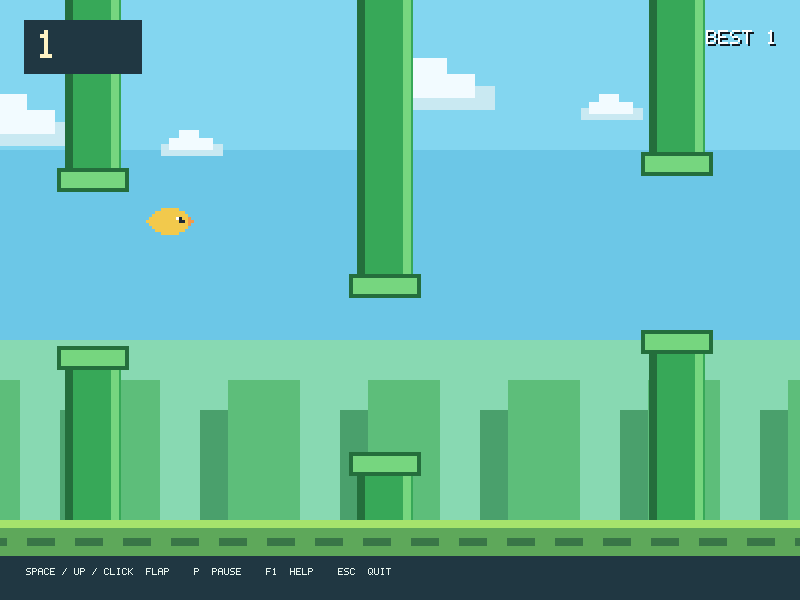
Start from the menu, flap to stay inside pipe gaps, and watch the score. Pause during a run or retry after a crash without navigating through an unrelated screen.
Controls
- Space, Up, or a mouse click flaps.
- P pauses; Space, Enter, P, or a click resumes.
- F1 or H shows instructions. R retries a crash. Escape quits.
- Arrow keys or Tab select a menu option; Enter or click activates it.
In the app
These are actual runtime captures. Open a screenshot for a larger view; use Left and Right to browse, and Escape to close.
What it demonstrates
Input edges, PIT motion, collision detection, scoring, state transitions and audio hooks.
Flaps are discrete actions. Releasing the key between flaps matters in deterministic scripts.
Source: examples/flappy/.
Refresh these screenshots
devenv shell -- python3 scripts/capture_gallery.py --app flappy-birdSee the screenshot workflow to add states or check freshness.