Pocket Composer
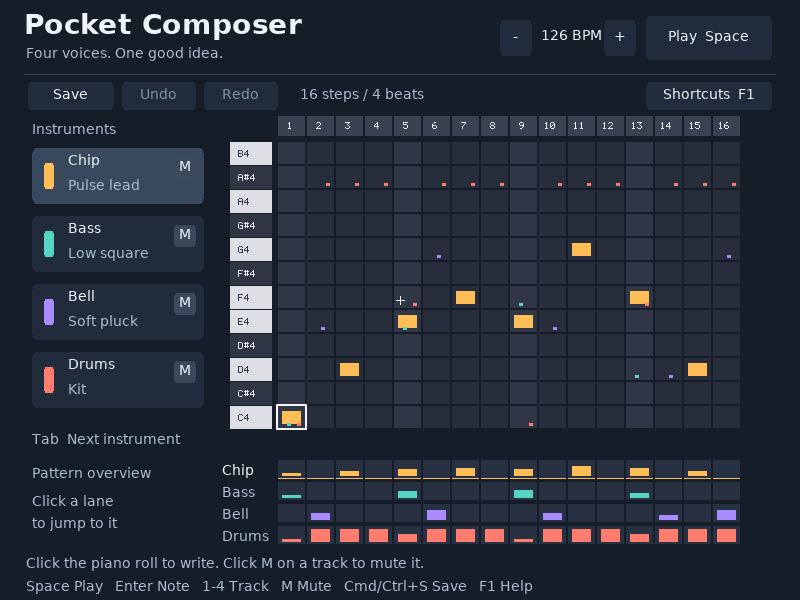
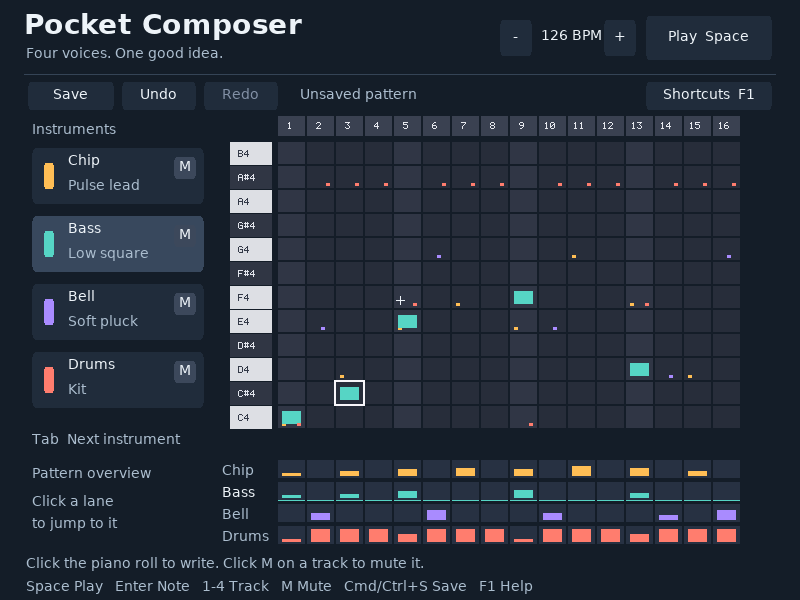
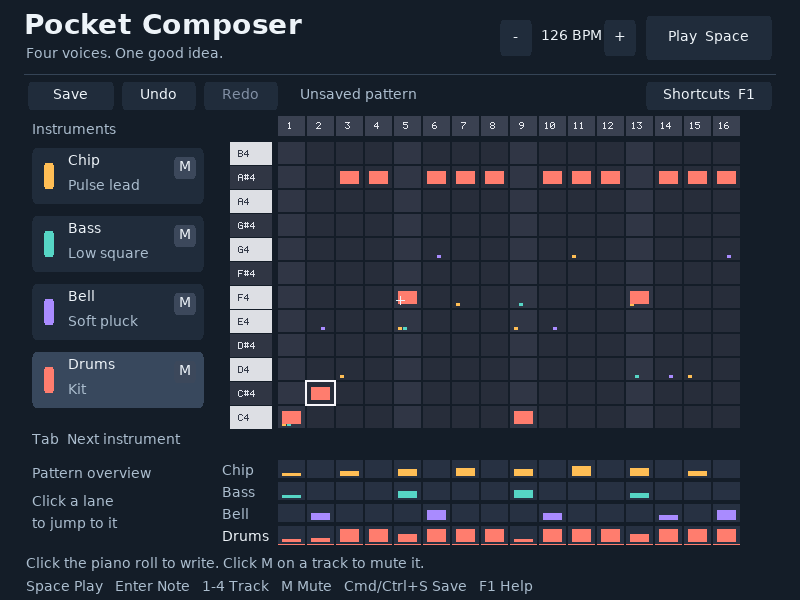
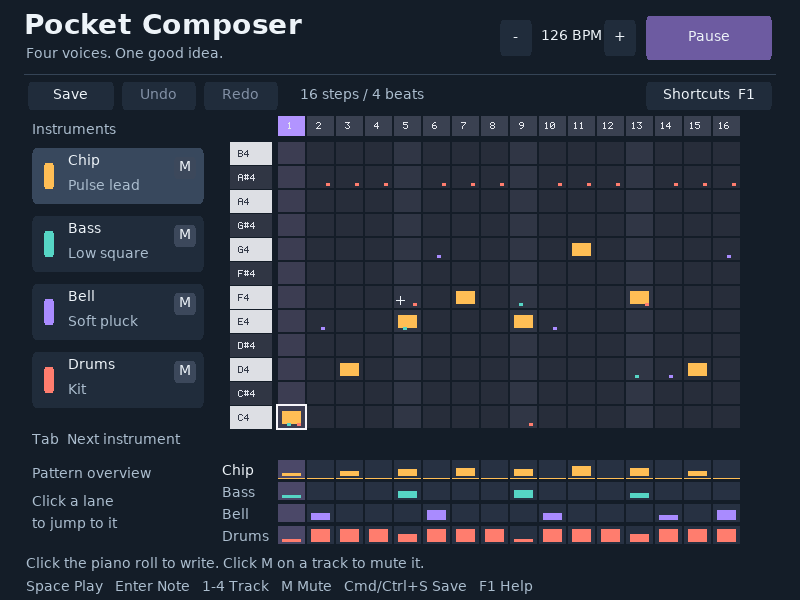
A four-track step sequencer with a piano-roll grid, a transport, track mute controls and a visible playhead. The grid keeps musical position, pitch and active notes together.
Run it
Build the examples with devenv shell -- lcom-ng-build, then run:
lcom-ng run -- build/examples/music_maker build/pattern.mlpatTry a complete workflow
Toggle notes with the mouse or Enter, move with arrows, and press Space to listen. Adjust tempo and track mutes, undo an edit, then save the pattern and reopen it in a later run.
Controls
| Control | Action |
|---|---|
| Space / P | Play or pause |
| Click / arrows + Enter | Write or toggle a note |
| 1-4 / Tab | Select instrument |
| M / track M button | Mute selected track |
| - / + or transport buttons | Change tempo |
| Backspace / Delete | Remove current note |
| C / R | Clear track / restore demo pattern |
| Cmd/Ctrl+S / S / F2 | Save pattern |
| Cmd/Ctrl+Z / Shift+Z | Undo / redo |
| F1 | Shortcuts |
Command shortcuts work on macOS; Ctrl shortcuts work on other hosts. Esc closes help first. Cmd/Ctrl+W closes the app.
In the app
These are actual runtime captures. Open a screenshot for a larger view; use Left and Right to browse, and Escape to close.
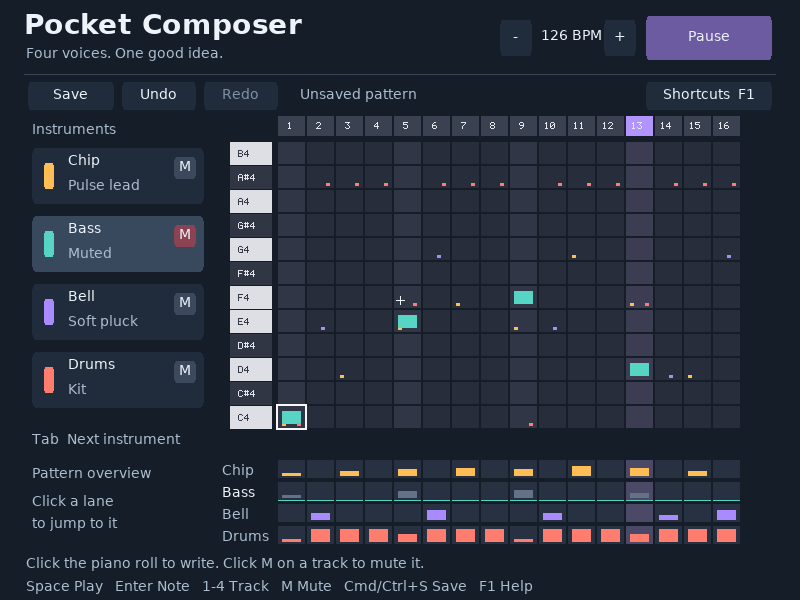
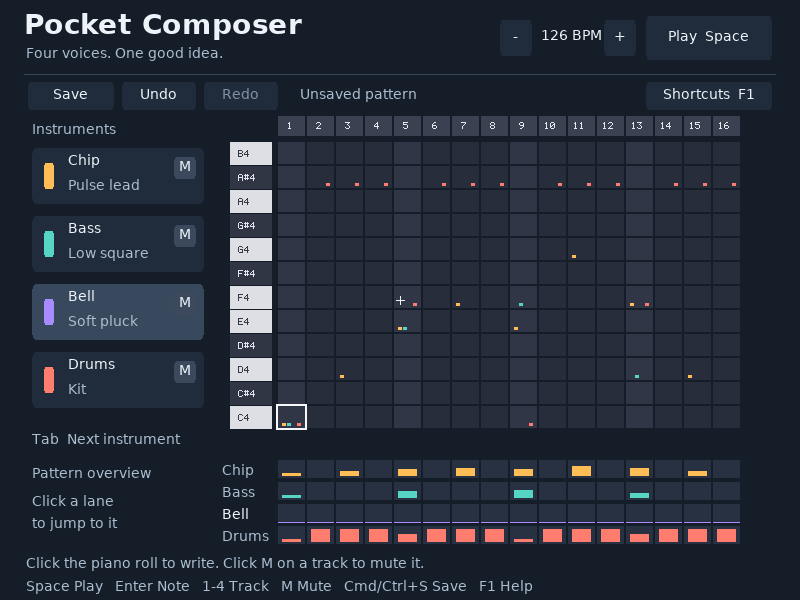
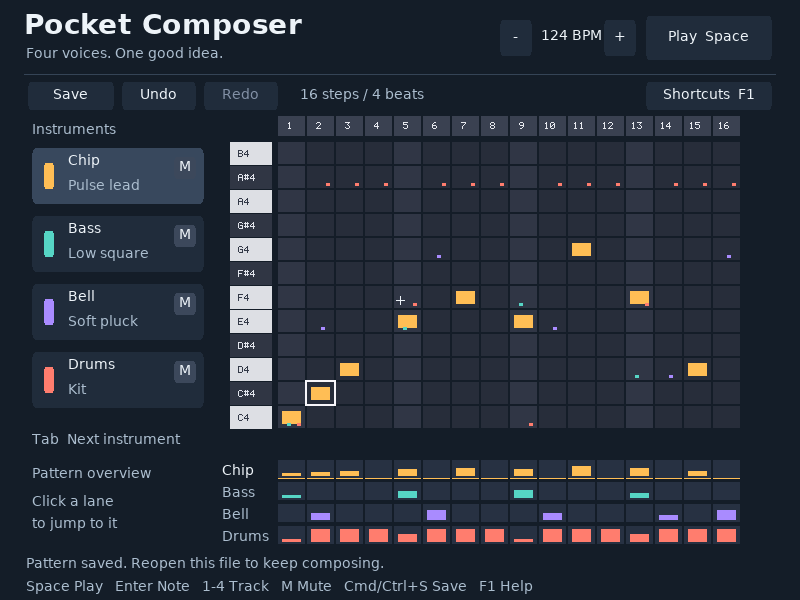
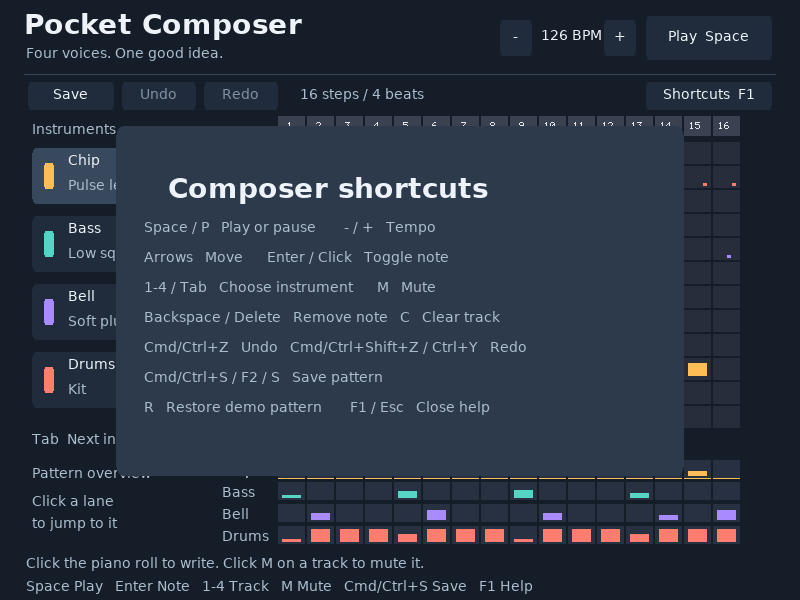
What it demonstrates
PIT timing, keyboard and mouse event handling, AC97 audio, reusable PCM buffers, note sequencing and pattern persistence.
The sound is synthesized locally. Pattern files store notes and tempo, rather than recorded audio.
Source: examples/music_maker.c.
Refresh these screenshots
devenv shell -- python3 scripts/capture_gallery.py --app music-makerSee the screenshot workflow to add states or check freshness.