Shared Whiteboard
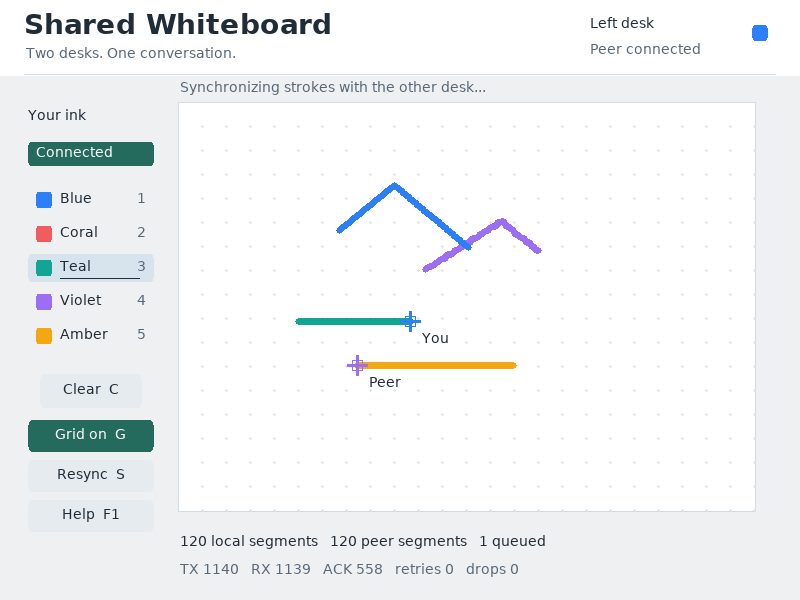
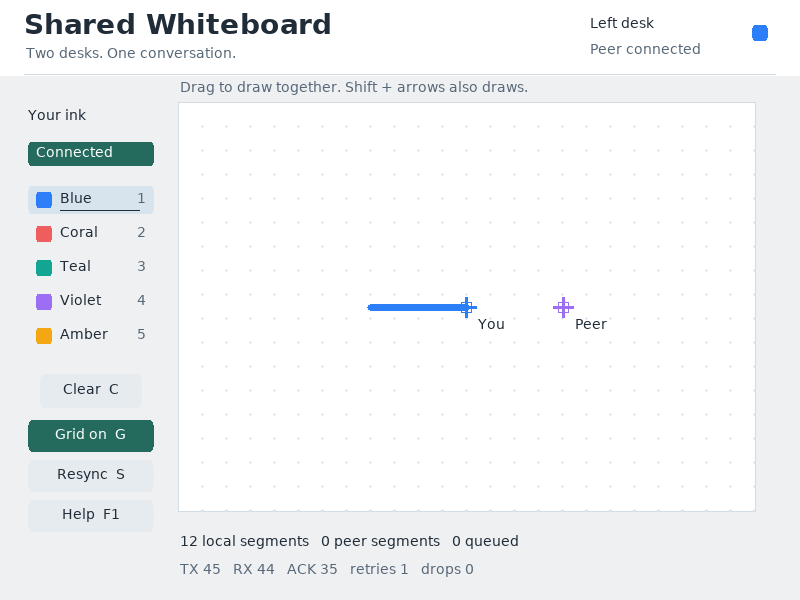
Two independent drawing desks share one board over a virtual serial cable. Each peer keeps its own ink, cursor and status while remote strokes appear in the same canvas.
Run it
Build the examples with devenv shell -- lcom-ng-build, then run:
lcom-ng run-pair build/examples/serial_whiteboard left \
  --right build/examples/serial_whiteboard right
Try a complete workflow
Open the paired runtime, draw on either desk, and compare the views. Change ink, toggle the grid, or draw with Shift and the arrow keys. Use resync to restore agreement after a sequence gap.
Controls
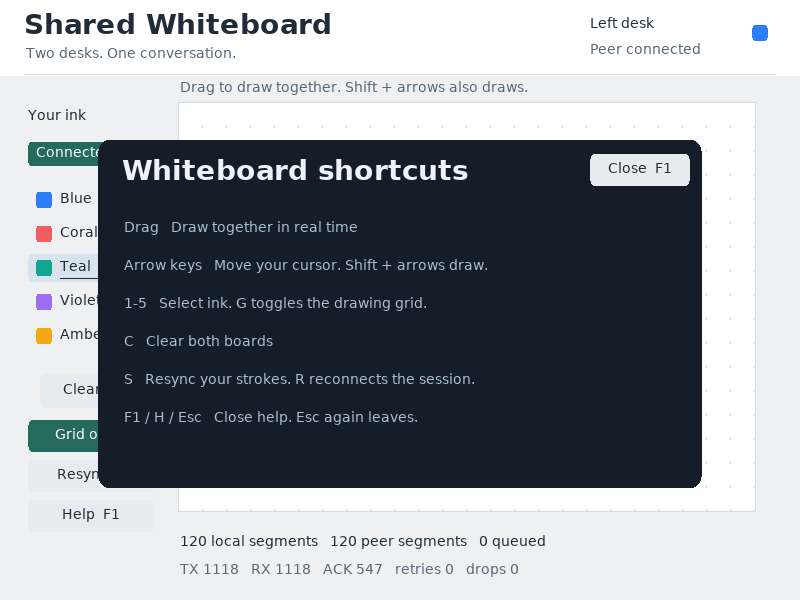
- Mouse drag: draw. Number keys: ink.
Shift+arrows: draw with the keyboard. G: grid.S: resync.R: reconnect.F1: help.
Command shortcuts work on macOS; Ctrl shortcuts work on other hosts. Esc closes help first. Cmd/Ctrl+W closes the app.
In the app
These are actual runtime captures. Open a screenshot for a larger view; use Left and Right to browse, and Escape to close.
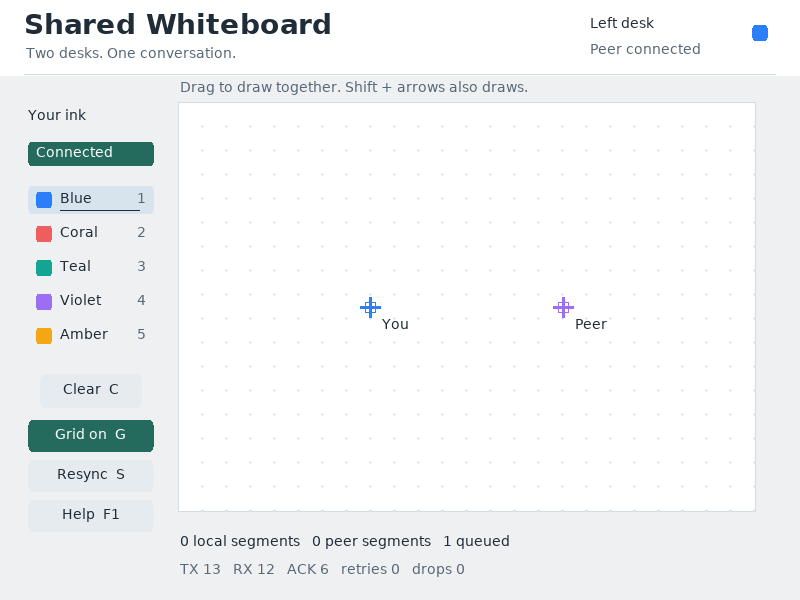
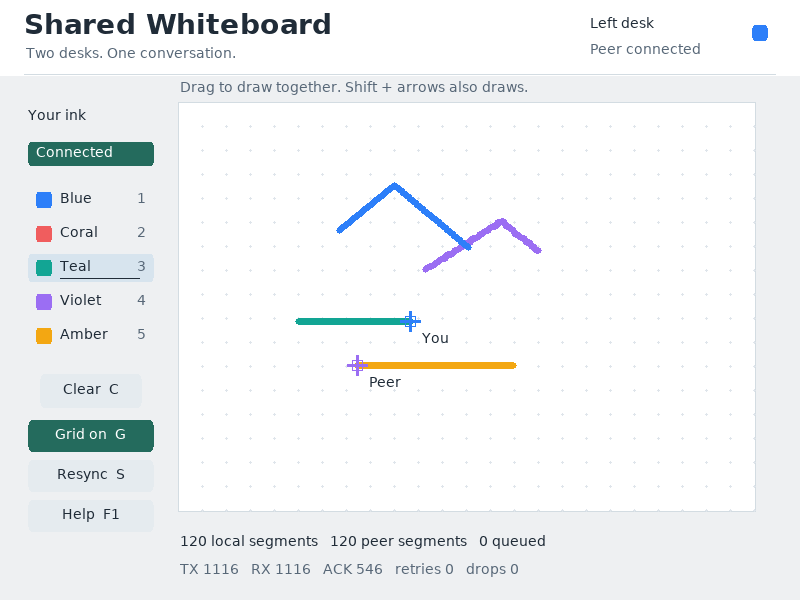
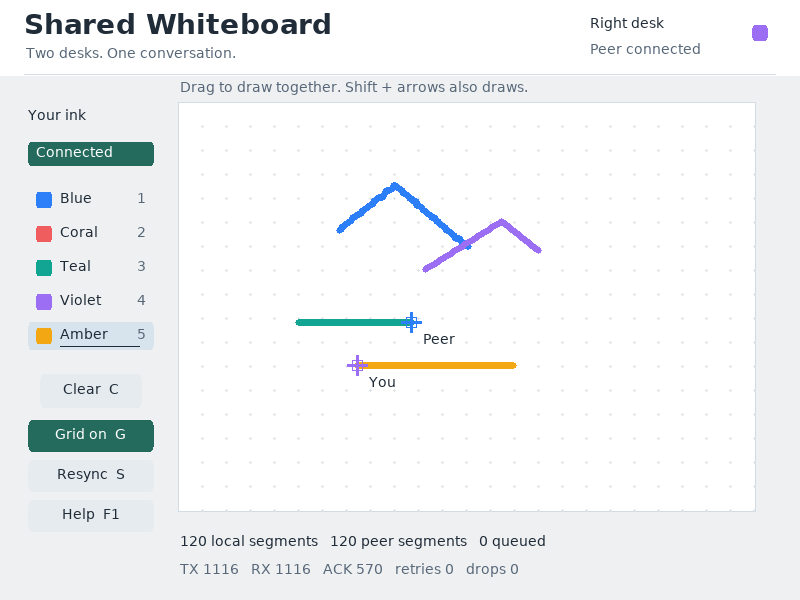
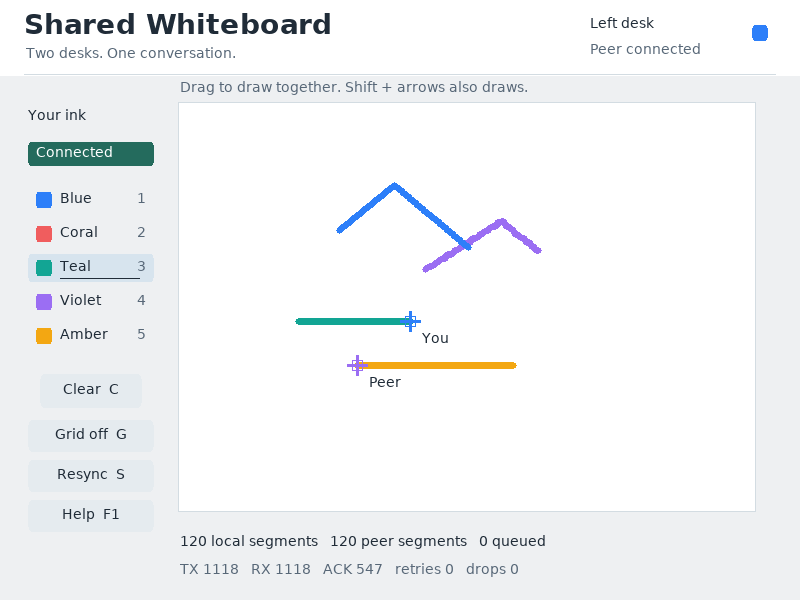
What it demonstrates
UART framing, sequence numbers, reconnect and resync, PS/2 input, local ownership and shared rendering.
Both windows must remain open for collaboration. A disconnected peer is reported in the interface; local drawing still belongs to its own desk.
Source: examples/serial_whiteboard.c.
Refresh these screenshots
devenv shell -- python3 scripts/capture_gallery.py --app serial-whiteboardSee the screenshot workflow to add states or check freshness.