Plants vs. Zombies
A garden-themed tower-defense example with a readable seed-selection desk, named plant costs and a distinct lawn HUD. Keyboard hints stay close to the action they control.
Run it
Build the examples with devenv shell -- lcom-ng-build, then run:
lcom-ng run -- build/examples/pvzTry a complete workflow
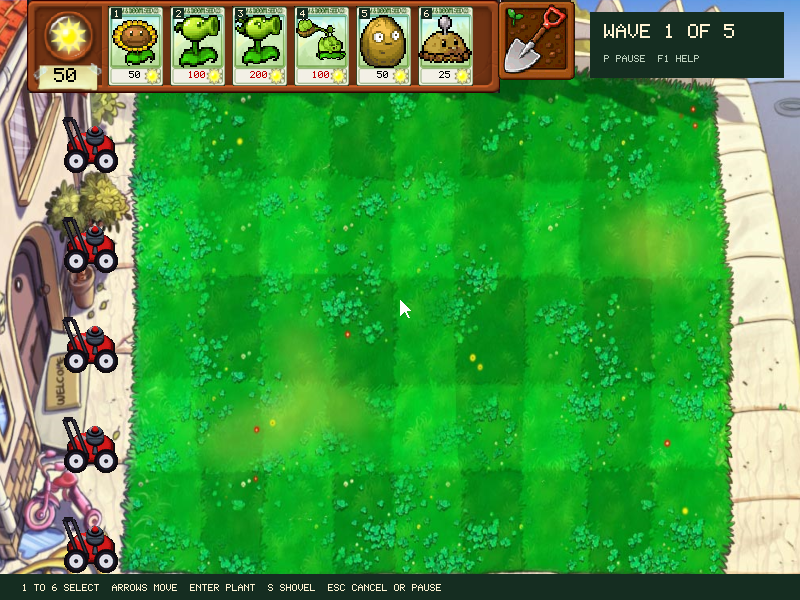
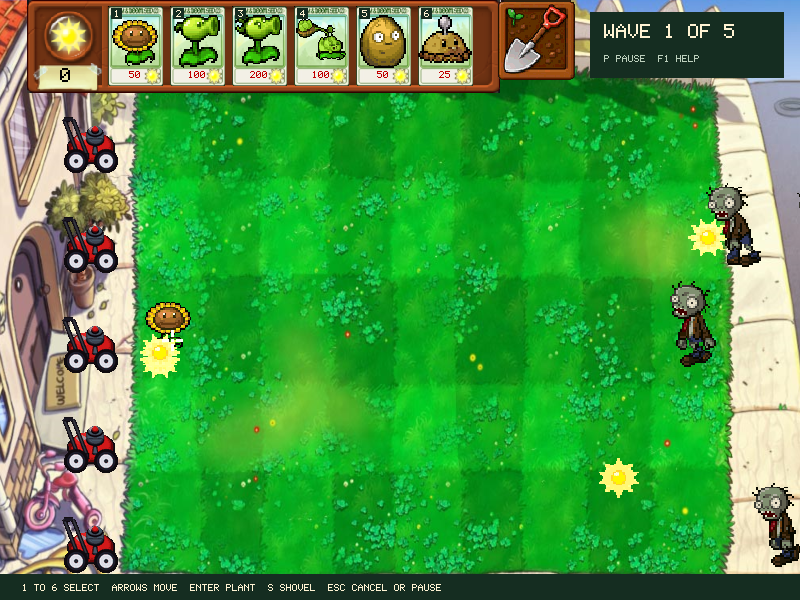
Choose seeds, start the wave, select a seed slot and place a plant on the lawn. Collect sun and defend the house. Help and pause preserve the current game.
Controls
- Enter starts plant selection on the first press. Click a plant to add or remove it; drag it to choose a slot.
- Pick six plants, then Space starts the lawn. Arrows and Enter also navigate selection.
- 1 to 6 selects a seed; arrows move the target; Enter or Space plants. Mouse selection and placement also work.
- Click suns to collect them. S selects the shovel; Escape or right click cancels a held action.
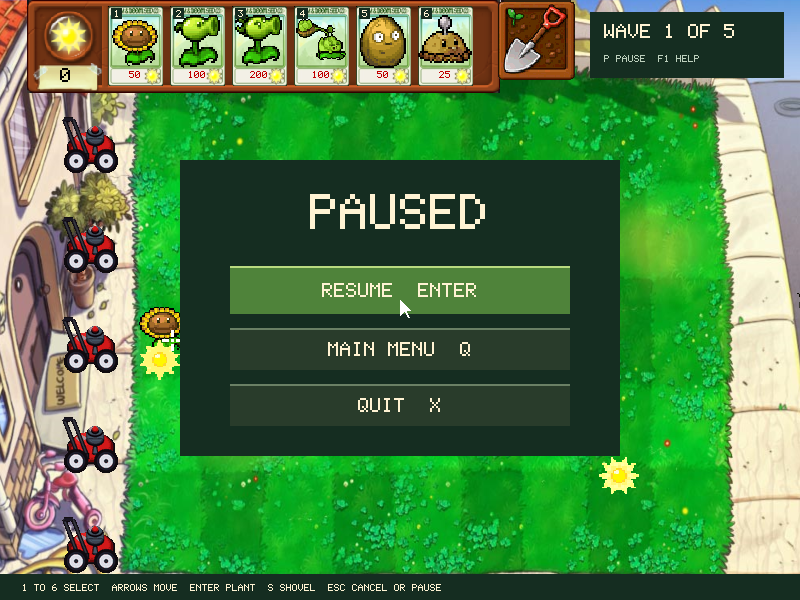
- P or Escape pauses. Enter, Space, P, or Escape resumes. Q returns to the menu while paused; X quits.
- F1 opens instructions and freezes the game.
In the app
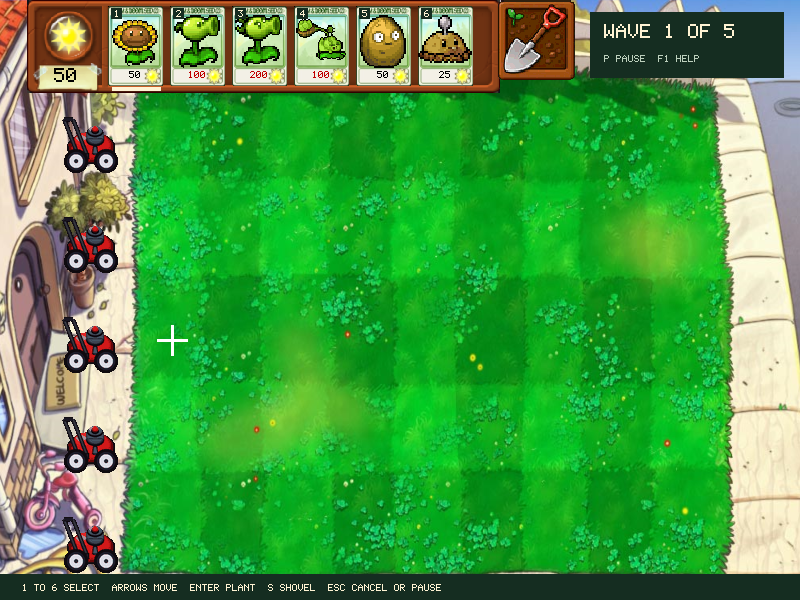
These are actual runtime captures. Open a screenshot for a larger view; use Left and Right to browse, and Escape to close.
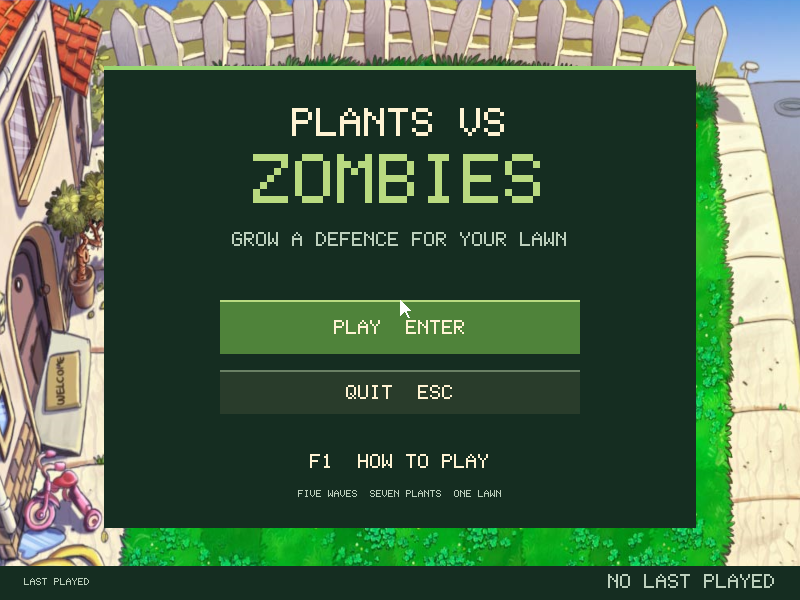
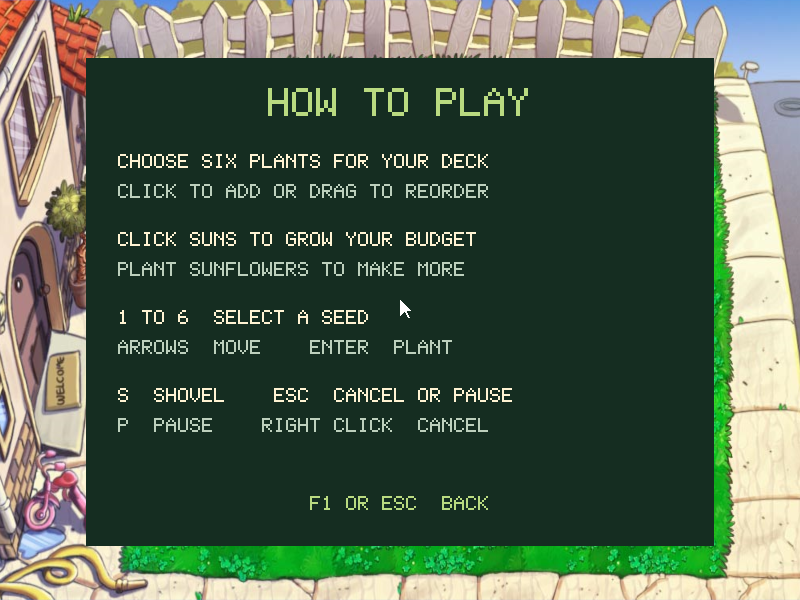
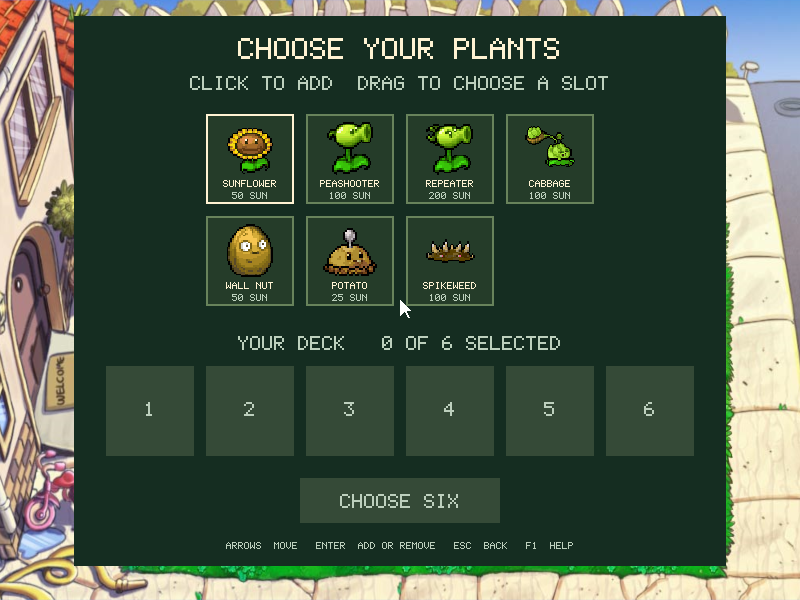
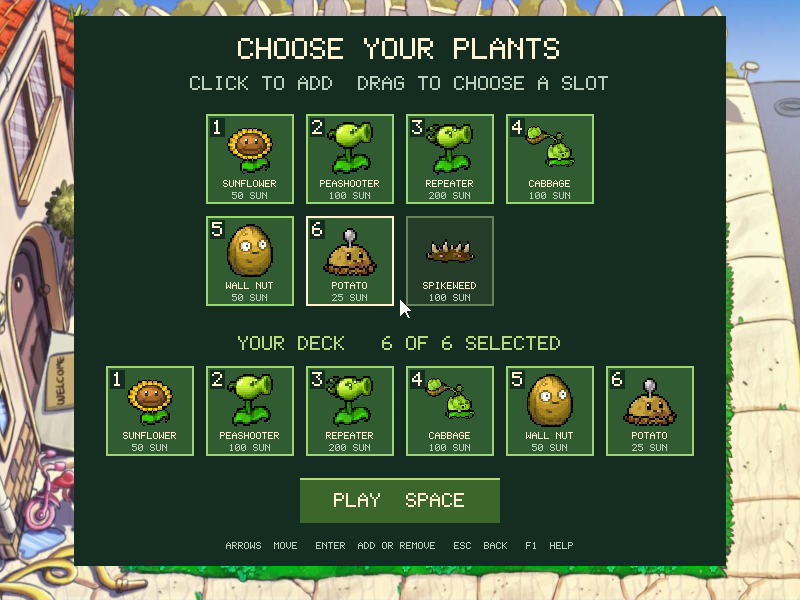
What it demonstrates
Mouse targets, keyboard menus, sprite rendering, resource costs, timed enemies, projectiles and application state.
The demo uses its included art and supported plant set. It is a course example rather than a complete commercial game.
Source: examples/pvz/.
Refresh these screenshots
devenv shell -- python3 scripts/capture_gallery.py --app plants-vs-zombiesSee the screenshot workflow to add states or check freshness.