Interrupt Scope
A device monitor with separate lanes for timer, keyboard, mouse, UART and RTC activity. Independent scales keep high-frequency timer traffic from obscuring the other devices.
Run it
Build the examples with devenv shell -- lcom-ng-build, then run:
lcom-ng run -- build/examples/interrupt_scopeTry a complete workflow
Move the pointer, type and toggle UART loopback to create observable events. Freeze the graph to inspect a window, and compare the decoded telemetry and raw-byte history.
Controls
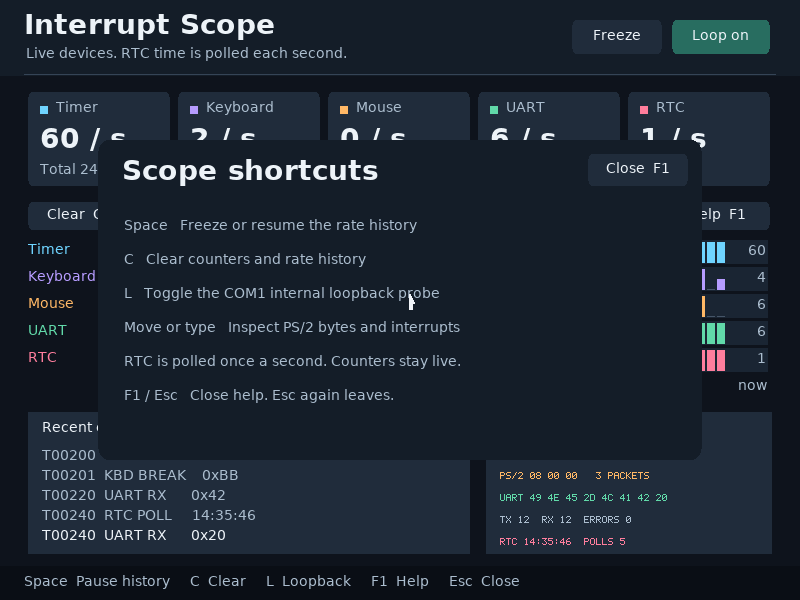
Space: freeze or resume the graph.L: UART loopback.F1: help.Cclears counters and history.
Command shortcuts work on macOS; Ctrl shortcuts work on other hosts. Esc closes help first. Cmd/Ctrl+W closes the app.
In the app
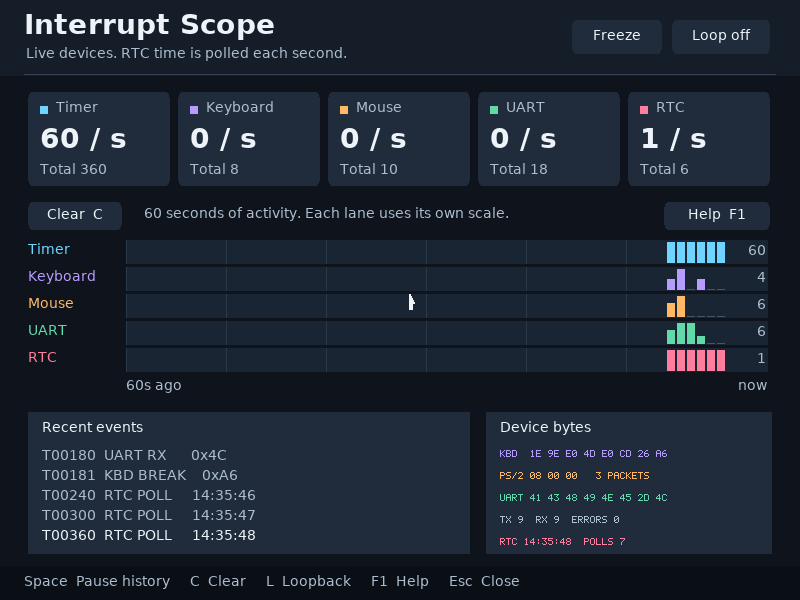
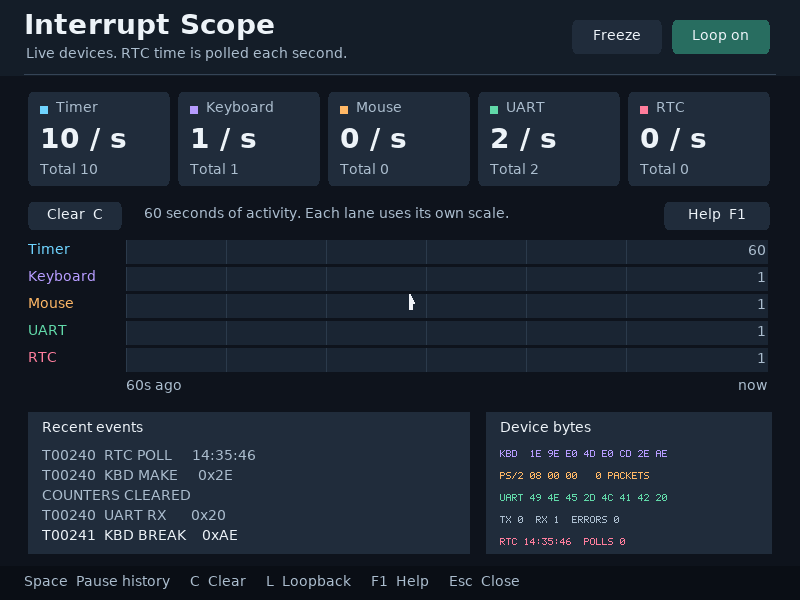
These are actual runtime captures. Open a screenshot for a larger view; use Left and Right to browse, and Escape to close.
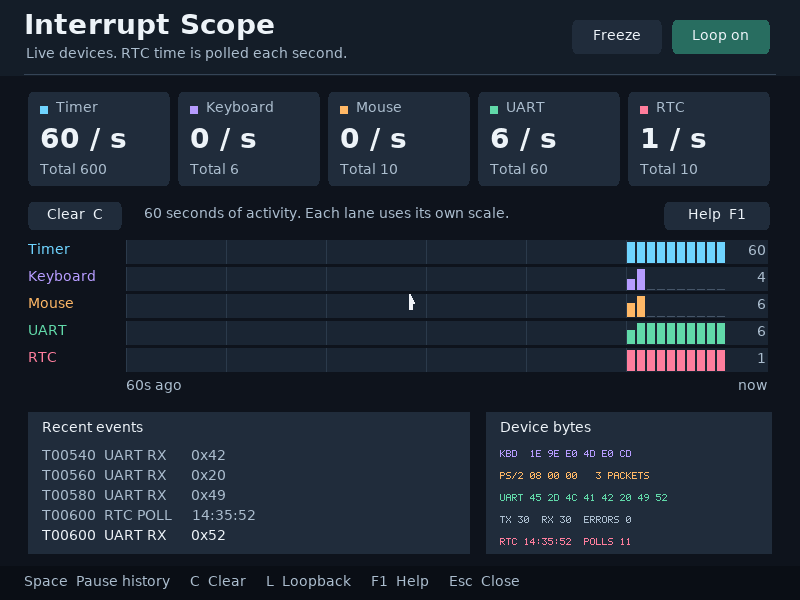
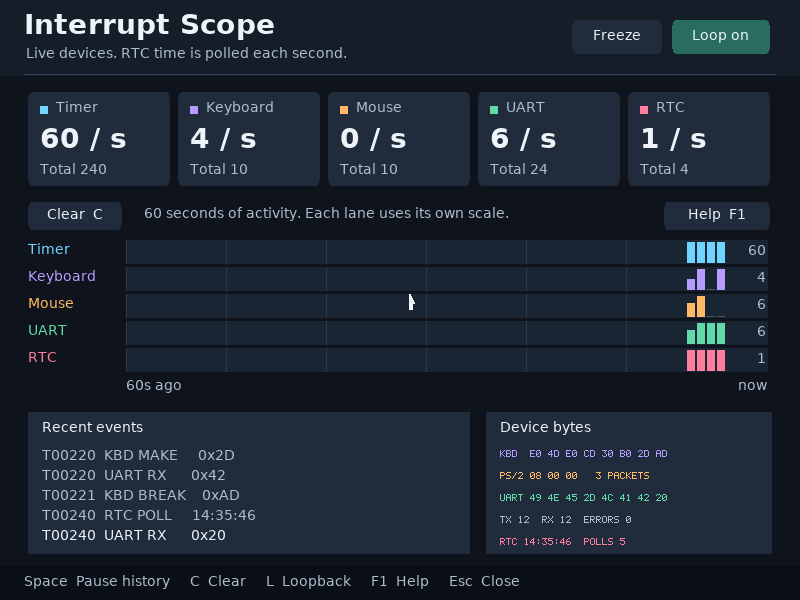
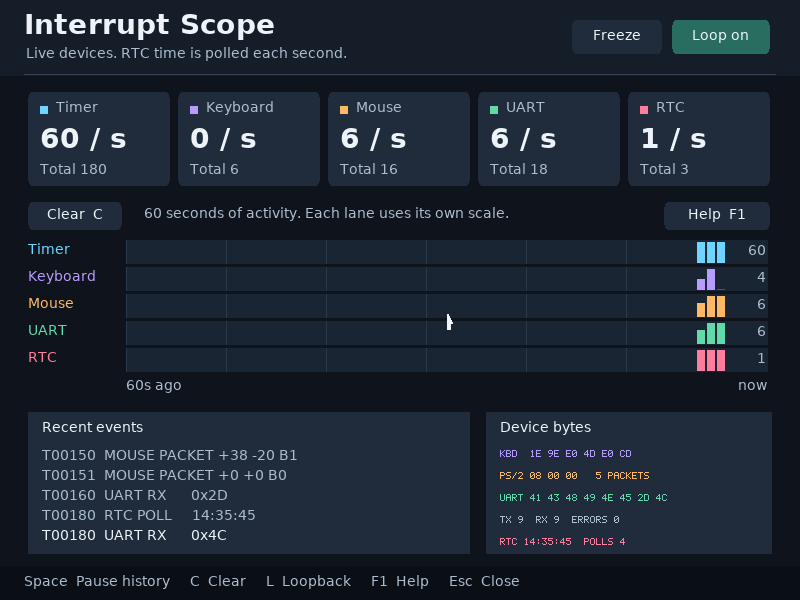
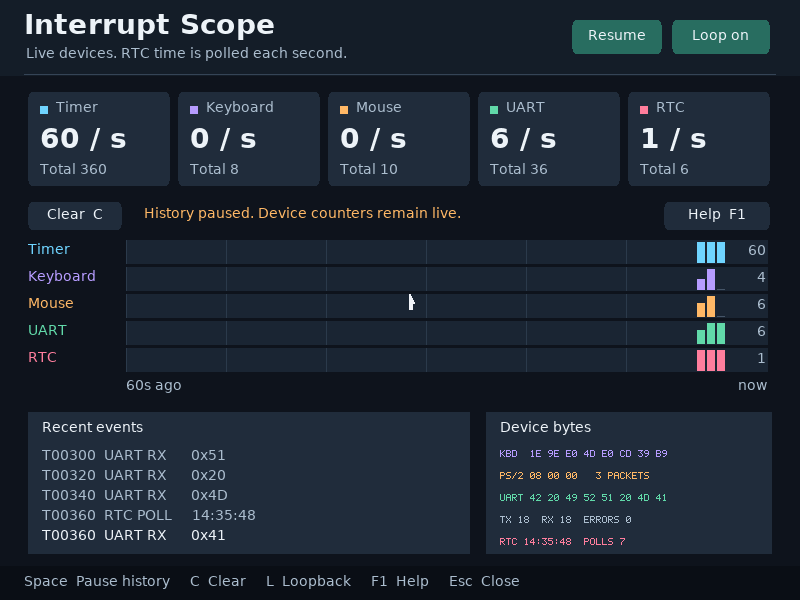
What it demonstrates
IRQ coalescing, event rates, PS/2 parsing, UART loopback, RTC polling and bounded history buffers.
Freeze holds the plotted history. Live counters are identified separately so the interface does not imply that devices have stopped.
Source: examples/interrupt_scope.c.
Refresh these screenshots
devenv shell -- python3 scripts/capture_gallery.py --app interrupt-scopeSee the screenshot workflow to add states or check freshness.